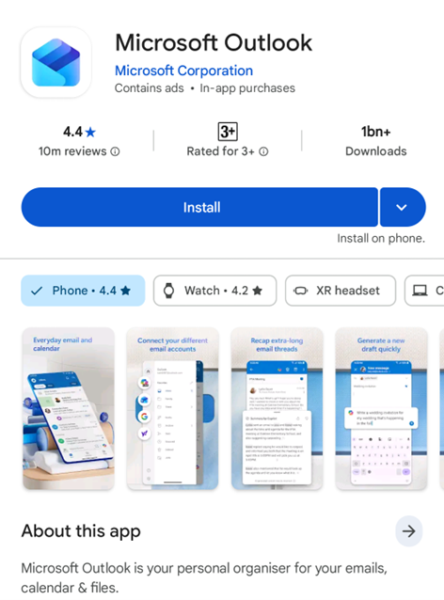
- Download and install “Microsoft Outlook” App from Google Play Store
- Open “Outlook” App
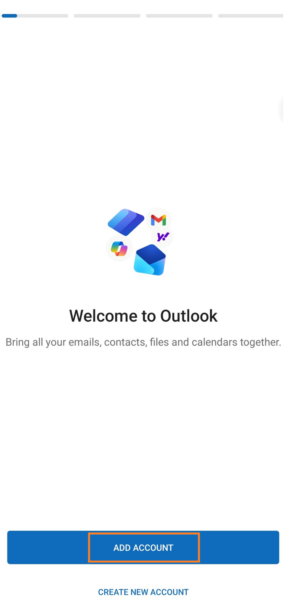
- Click the “ADD ACCOUNT” button
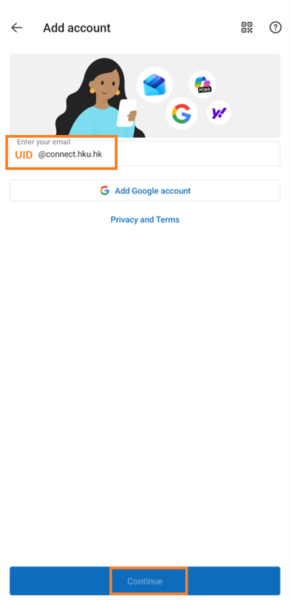
- Enter you email UID@connect.hku.hk and click the “Continue” button
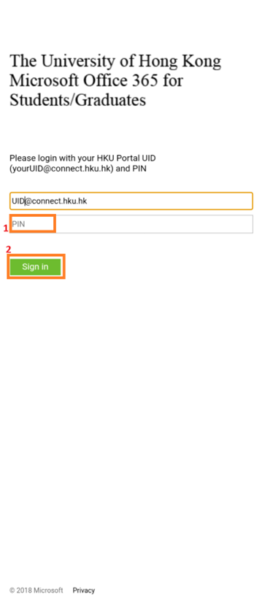
- Then it will redirect to HKU Microsoft Office 365 for Students/Graduates login page; Enter PIN of your account and click the “Sign In” button
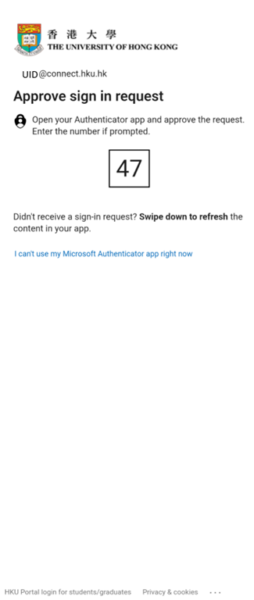
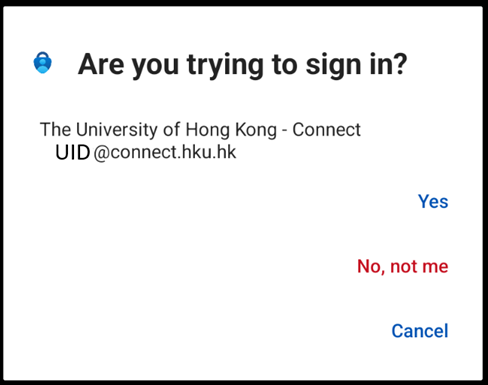
- It will go through approve sign in request with MFA; it will prompt the default method which was previously set
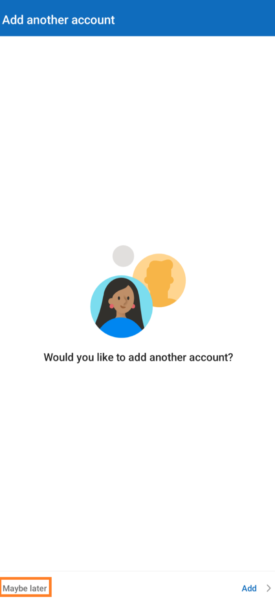
- Next, in the “Add another account” page, click the “Maybe later” button
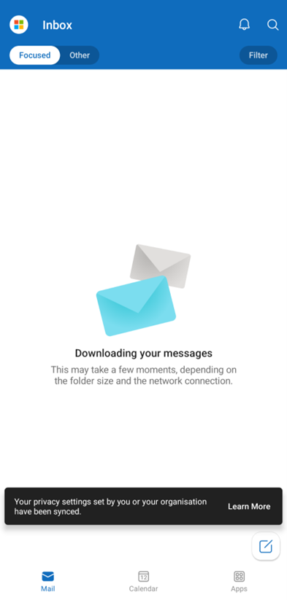
- Then you can start using Outlook App for HKU Connect Email