
What is Exchange ActiveSync (EAS)?
Exchange ActiveSync (EAS) is a technology that helps your mobile phone or tablet connect to your email, calendar, and contacts from Microsoft Exchange Online (which is a service we use for email). It is like a bridge between your devices and your email system, allowing you to access important information anytime and anywhere.
What are the implications of changes to Exchange ActiveSync?
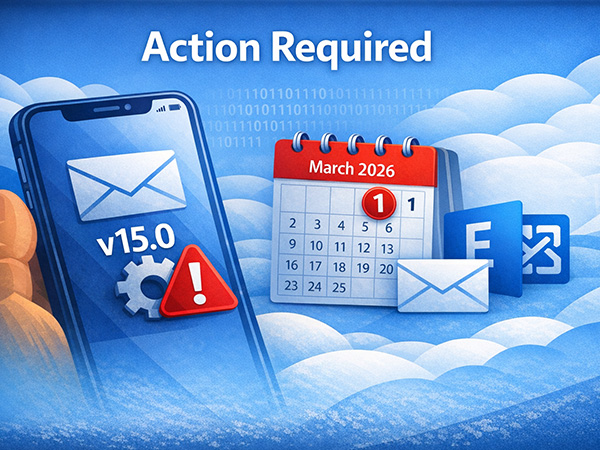
Microsoft will stop supporting certain versions of the Exchange ActiveSync (EAS) protocol, which is used by the default mail apps on Android and Apple devices. ( https://techcommunity.microsoft.com/blog/exchange/exchange-online-activesync-device-support-update/4477997) If your native mail app in mobile is running an EAS version below 16.1, it will no longer be able to access your mailbox after March 2026.
Action Required:
- Check Your Mobile Mail App Version:
- For Android Users:The required EAS version depends on your device manufacturer. It is essential to regularly check for system updates specific to your device(e.g., Samsung, Google Pixel).
(An upcoming Samsung Email release in February 2026 will update Microsoft Exchange ActiveSync to v16.1 to accommodate this change. Please refer to https://docs.samsungknox.com/admin/knox-platform-for-enterprise/kbas/kba-1739-notice-of-upcoming-microsoft-exchange-online-activesync-device-support-restrictions) - For iOS Users:Most devices running iOS 10 or higheralready have EAS version 16.1. Please ensure your device is updated to at least this version.
- Consider Using the Outlook “Mobile” App:
- If your current mail app does not work after March 1, 2026, we recommend downloading the Outlook “Mobile” App, which will continue to be supported.
- To set up Outlook “Mobile” App on your mobile, please follow by the guideline at https://its.hku.hk/kb/procedure-to-access-staff-mail-exchange-online-using-outlook-app-on-mobile-devices.
(For HKU Connect users, please change the email address to uid@connect.hku.hk