
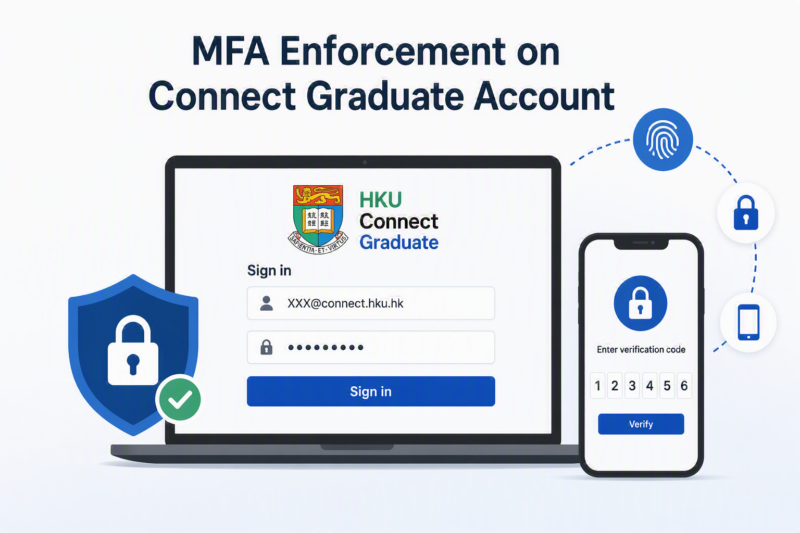
As to improve the security standard of email service for Connect Graduate(@connect) users, please note that Microsoft Multi-Factor Authentication (MFA) will be enforced to protect all the Connect Graduate e-mail accounts.
This arrangement will not change any Connect Graduate(@connect) users who already enforced MFA before. For those Connect Graduate users who did not enforce MFA before can choose one of the following time schedules to enable MFA protection:
- Join the early enrollment to install MFA mobile app and enforce MFA earlier BEFORE the assigned schedule in (b):
- Join MFA early enrollment by clicking this link (https://extranet.hku.hk/itpwdpol/servlet/graduate.optInConnectMfa)
- After 2 hours completing the above step (i), then please follow this MFA registration guide: https://its.hku.hk/kb/user-guide-on-activating-multi-factor-authentication-mfa/. Then MFA enforcement for their account will take place 14 days after the date completing step (i).
- Register MFA and enforce MFA according to the pre-assigned schedule. Connect Graduate users can refer to the email notification received for their assigned grouping & schedules:
- During the date of stage#1, Connect Graduate users should follow this MFA registration guide: https://its.hku.hk/kb/user-guide-on-activating-multi-factor-authentication-mfa/) to register their MFA and install MFA mobile App. They should complete their MFA registration process BEFORE the last day highlighted in yellow in Stage 1.
- Then starting from the stage#2 enforcement date, they have to use the MFA mobile App to obtain the One-Time Passcode in order to login to their Connect Graduate accounts.
- If Connect Graduate users miss the above schedule and still want to re-register AFTER the assigned schedule, they can still request MFA reset (https://extranet.hku.hk/itpwdpol/servlet/graduate.optInConnectMfa) as to re-register MFA.
| Stage No. | Grouping criteria (I) | Grouping criteria (II) | Group | Schedule |
| Stage (#1) MFA registration | Selected age group as of 1st July 2026 | 9th digit of the student number is 0/1 | A | 16th Sep 2026 – 29th Sept 2026 |
| 9th digit of the student number is 2/3 | B | 30th Sep 2026 – 13th Oct 2026 | ||
| 9th digit of the student number is 4/5 | C | 14th Oct 2026 – 27th Oct 2026 | ||
| 9th digit of the student number is 6/7 | D | 28th Oct 2026 – 10th Nov 2026 | ||
| 9th digit of the student number is 8/9 | E | 11th Nov 2026 – 24th Nov 2026 | ||
| Remaining Connect Graduate (@connect) users | F | To be announced | ||
| Stage (#2) MFA enforcement | Grouping criteria same as above | A | 30th Sept 2026 | |
| B | 14th Oct 2026 | |||
| C | 28th Oct 2026 | |||
| D | 11th Nov 2026 | |||
| E | 25th Nov 2026 | |||
| F | To be announced | |||