
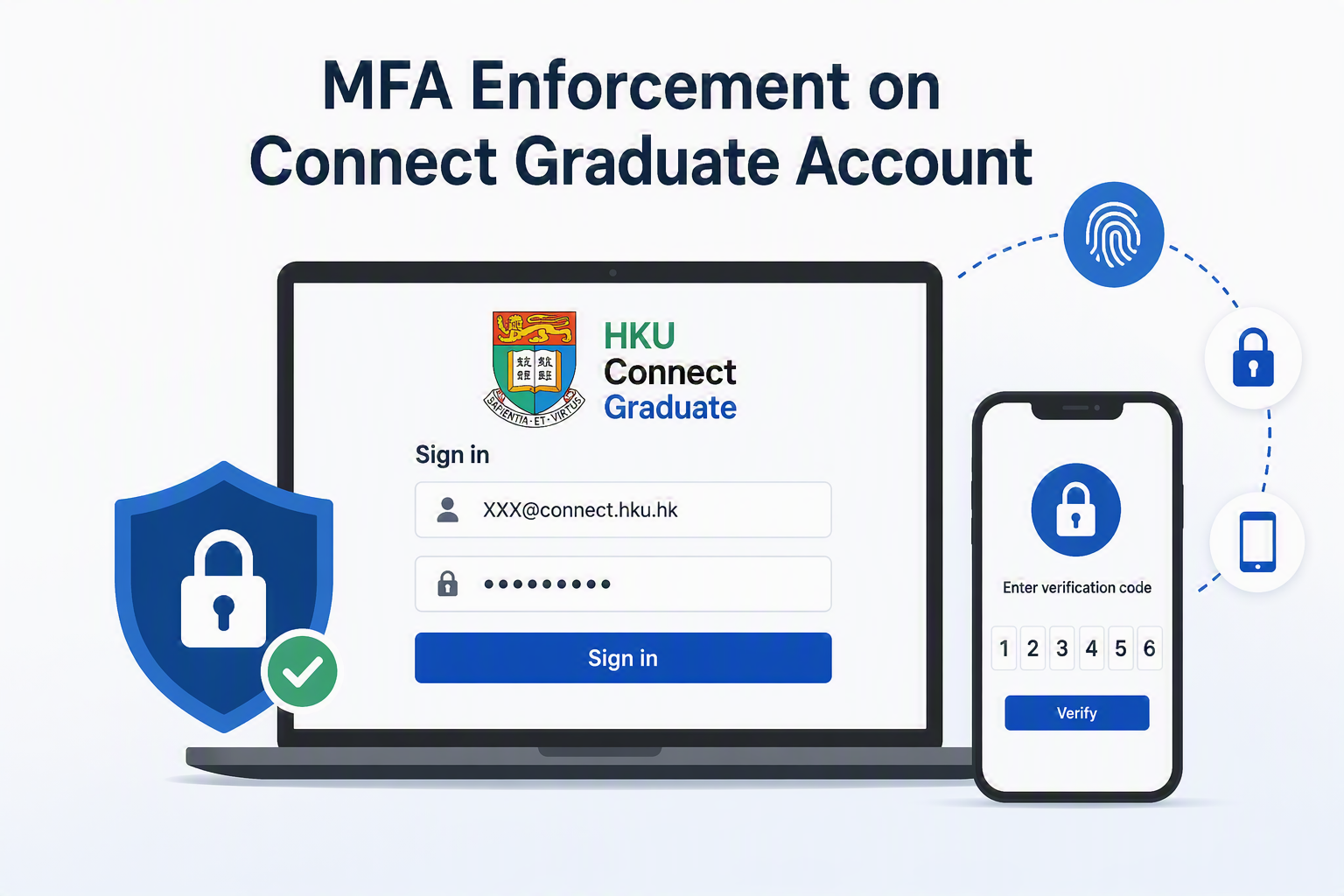
As to improve the security standard of email service for Connect Graduate(@connect) users, please note that Microsoft Multi-Factor Authentication (MFA) will be enforced to protect all the Connect Graduate e-mail accounts. In addition, an opt-in passkey sign-in option will be made available to provide a more secure and convenient authentication experience.
This arrangement will not change any Connect Graduate(@connect) users who already enforced MFA before. For those Connect Graduate users who did not enforce MFA before can choose one of the following time schedules to enable MFA protection:
- Join the early enrollment to install MFA mobile app and enforce MFA earlier BEFORE the assigned schedule in (b):
- Join MFA early enrollment by clicking this link (https://extranet.hku.hk/itpwdpol/servlet/graduate.optInConnectMfa)
- After 2 hours completing the above step (i), then please follow this MFA registration guide: https://its.hku.hk/kb/user-guide-on-activating-multi-factor-authentication-mfa/. Then MFA enforcement for their account will take place 14 days after the date completing step (i).
- Register MFA and enforce MFA according to the pre-assigned schedule. Connect Graduate users can refer to the email notification received for their assigned grouping & schedules:
Stage No. Grouping criteria (I) Grouping criteria (II) Group Schedule Stage (#1)
MFA registration
Selected age group as of 1st July 2026 9th digit of the student number is 0/1 A 16th Sep 2026 – 29th Sept 2026 9th digit of the student number is 2/3 B 30th Sep 2026 – 13th Oct 2026 9th digit of the student number is 4/5 C 14th Oct 2026 – 27th Oct 2026 9th digit of the student number is 6/7 D 28th Oct 2026 – 10th Nov 2026 9th digit of the student number is 8/9 E 11th Nov 2026 – 24th Nov 2026 Remaining Connect Graduate (@connect) users F 25th Nov 2026 – 8th Dec 2026 Stage (#2)
MFA enforcement
Grouping criteria same as above A 30th Sept 2026 B 14th Oct 2026 C 28th Oct 2026 D 11th Nov 2026 E 25th Nov 2026 F 9th Dec 2026 - During the date of stage#1, Connect Graduate users should follow this MFA registration guide: https://its.hku.hk/kb/user-guide-on-activating-multi-factor-authentication-mfa/) to register their MFA and install Microsoft Authenticator App. They should complete their MFA registration process BEFORE the last day highlighted in yellow in Stage 1.
- Then starting from the stage#2 enforcement date, they have to use the Microsoft Authenticator App to obtain the One-Time Passcode in order to login to their Connect Graduate accounts.
- If Connect Graduate users miss the above schedule and still want to re-register AFTER the assigned schedule, they can still request MFA reset (https://extranet.hku.hk/itpwdpol/servlet/graduate.optInConnectMfa) as to re-register MFA.
- After completing the MFA registration process, Connect Graduate users are strongly encouraged to opt in to passkey registration through the website below (https://extranet.hku.hk/itpwdpol/servlet/graduate.optInConnectPasskey). Passkeys provide a more secure sign-in method and enable a faster, more convenient authentication experience using biometric verification on your mobile device.
If the involved Connect Graduate users encounter any technical-related issues or require assistance, please don’t hesitate to reach out to our IT Helpdesk at ithelp@hku.hk. If they have other general inquiries, please contact the DAAO (Development & Alumni Affairs Office) at alumni@hku.hk.