Information Technology Services Guide
…they make a VPN connection. Please refer to our HKUVPN MFA user guide for the configuration and connection steps. Email Service a. HKU Connect Email Service for Students Student email…
…Internet access No need to connect to the Internet Need to connect to the Internet for installation and connect to the Office Licensing Service for checking whether the Office 365…

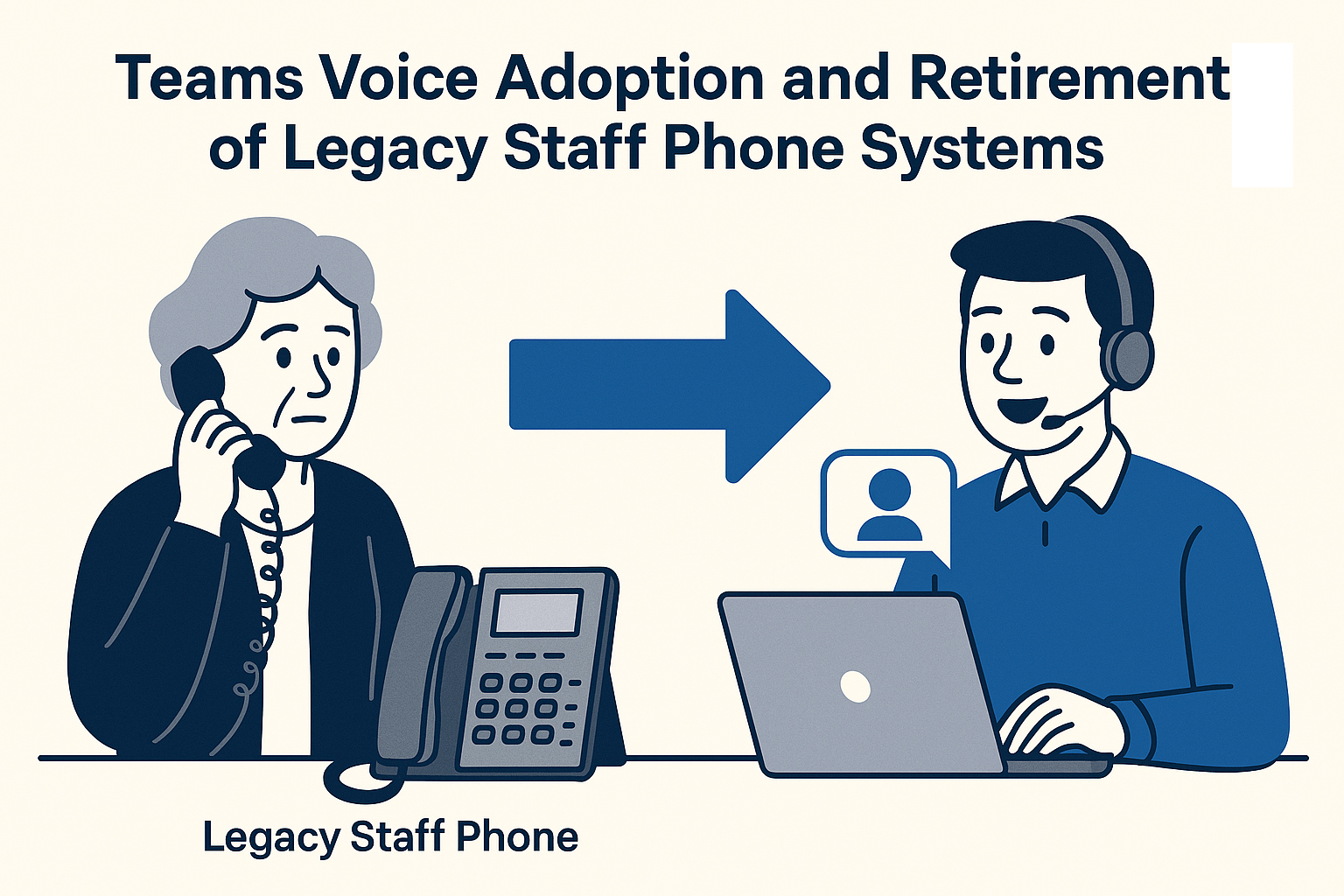
…24th Dec 2025. If you are currently still using the below affected telephone number and have not yet migrated to Teams Voice, please immediately submit CF-78 to transfer your number…
…More Search Search Popular Searches HKUVPN graduate.hku.hk vpn uPrint connect migrate graduate I want to Reset MFA Latest News Notice on Bulk Email Delivery and Mass Mail sending from @info.hku.hk…

…Today we present with excitement the new HKU First-Year UG Copilot 2024-25, which is designed specifically to assist first-year undergraduate students in navigating their academic journey by providing prompt responses…
…eo Estates Off (Staffing & OA Unit) eo Estates Office – Res Space (Cus Qtr) eo Finance & Enterprises Office feo General Education Unit gened Graduate School gsch Graduate School…
The account records of ITS will be automatically updated based on the staff/student records provided by the Registry and Human Resource Office. For example, when a student is graduated or…

…and administrative staff 41.3% 202 Undergraduate students 23.0% 112 Postgraduate students 19.7% 96 Total: 100.0% 488 In this survey, users were asked to indicate the extent to which they agreed…
…up my account manually. Then enter your UID@CONNECT.HKU.HK in Email address field and then click “Connect” button Select and click “Microsoft 365” icon Outlook account configuration in process Enter the…
…Start Menu. You can also use Search to find it. Enter “vpn2fa.hku.hk” and click Connect. Enter your HKU email address (UID@hku.hk or UID@connect.hku.hk) and PIN in the Username and Password…