Procedures on Installation of SPSS (network license version)
…must be connected with HKU campus network. For connection within HKU campus network (via LAN or HKU WiFi), your PC will be connected to the configured license server automatically after…
…kept for 3 days. Please contact ITS as soon as possible. What if a website is not migrated after 2021 summer? ITS will either force migrate the service or suspend…
…method https://moodle.hku.hk https://121.37.222.164:8091 https://lecturecapture.hku.hk If you encounter any connection problem to Panopto (https://lecturecapture.hku.hk), please try the following: Connect through HKUVPN Try to connect with another networks (eg. mobile network or…

…activate their HKU Graduate email accounts at @graduate.hku.hk. Recommended mailbox migration tool for Connect Graduate users (@connect.hku.hk) or Graduate users (@graduate.hku.hk) : VaultMe Can access via webmail.hku.hk Setup Guides Retirees…
…uid@graduate.hku.hk), and description of your mail account. Tap “Next” to continue. For incoming mail server, please use the corresponding host name: Email Service Host Name Graduate graduate.hku.hk Then, enter your…
…email address and password. For Graduates, the email address is UID@graduate.hku.hk Select IMAP. Account Setup (Incoming) Username/Password: UID/password IMAP server: Enter graduate.hku.hk for your Graduate mail account Port: 143 Security type: Graduate mail account: STARTTLS (accept…

…accounts. There will be no change to students’ email accounts after graduation and graduates can continue using UID@connect.hku.hk and alias@connect.hku.hk for communication. For those students who would have problem in…
…Graduates using HKU Connect Graduates using graduate.hku.hk To change the sender email address, Staff: HKU Portal > Type “Register Name” in the Search field > Click the link “Register Name/EAddress…

…account and add the newly migrated email account again. Open Outlook Select File Select Account Settings… Use .. to add or Remove… to delete an email account During the first…

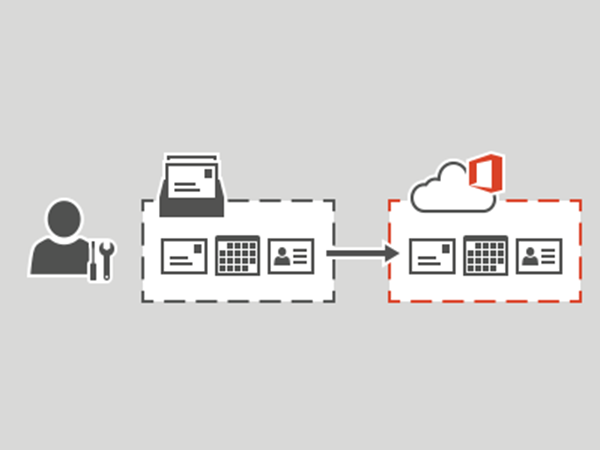
To enhance the reliability and functionality of Central Email service, ITS is going to migrate all HKU staff’s email accounts to Microsoft Exchange Online. In October 2022, the email accounts…