Dear Colleagues and Students,
We wish you had a great start to the Academic Year 2026-2027. To enhance and elevate the learning and teaching experience for the HKU community, ITS is proud to announce the launch of our LMS Modernisation initiative on 1 September 2026. Integrated directly within the HKU Moodle platform, our centralised learning management system (LMS), there will be a new theme, together with four helpful features including the use of generative AI designed to significantly streamline course management efforts for teachers while deepening interactive engagement for learners.
1. Revealing a Modernised Look and Feel of HKU LMS
The new look and feel helps us seamlessly access to Moodle courses and resources in a visually appealing environment yet giving us the necessary intuitive navigation for easier course management by teachers and effective learning management by students.
This was done by the enhanced theme of Moodle, namely ‘Space’, and it has already been applied to newly created courses after the launch, while it can be chosen by teachers from Appearance of the Course Setting for existing courses (check out how here.).
Let’s check out some of its highlights below.
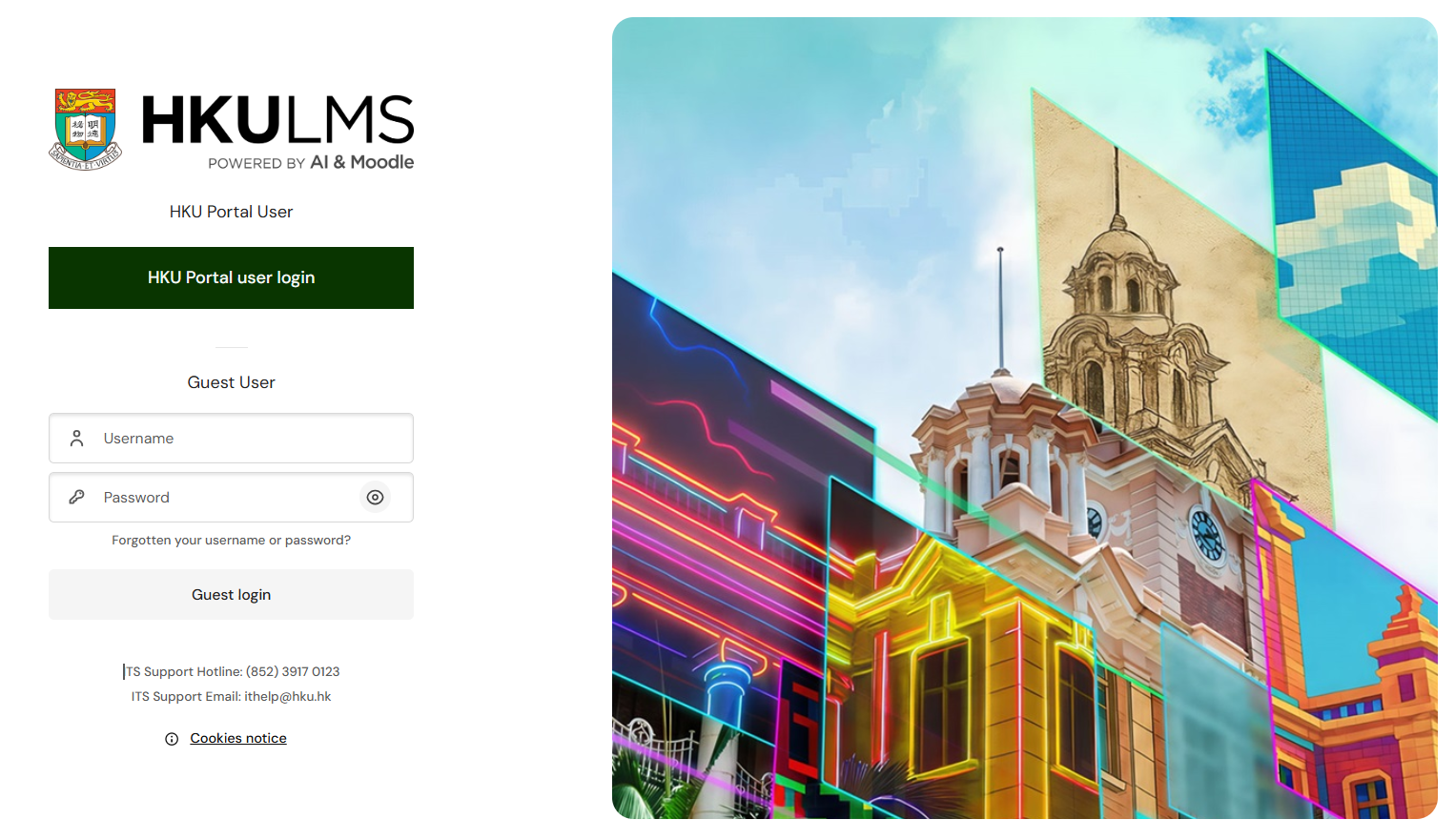
New Login Page
The new design of the page gives us a clean and organised login gateway.
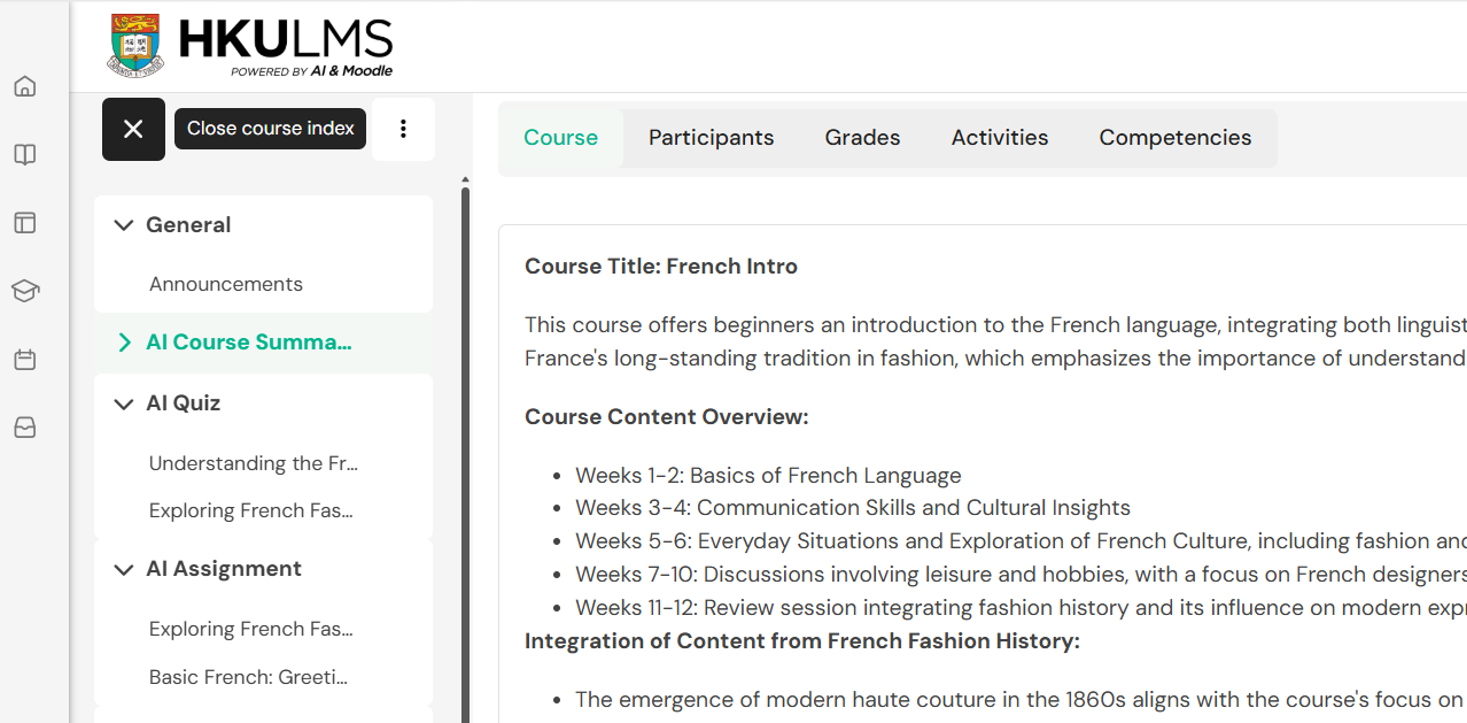
Two-layered Sidebar for Easier Navigation
The left sidebar helps us navigate the platform easily with content neatly displayed on the right without compromising spaces for learning content.
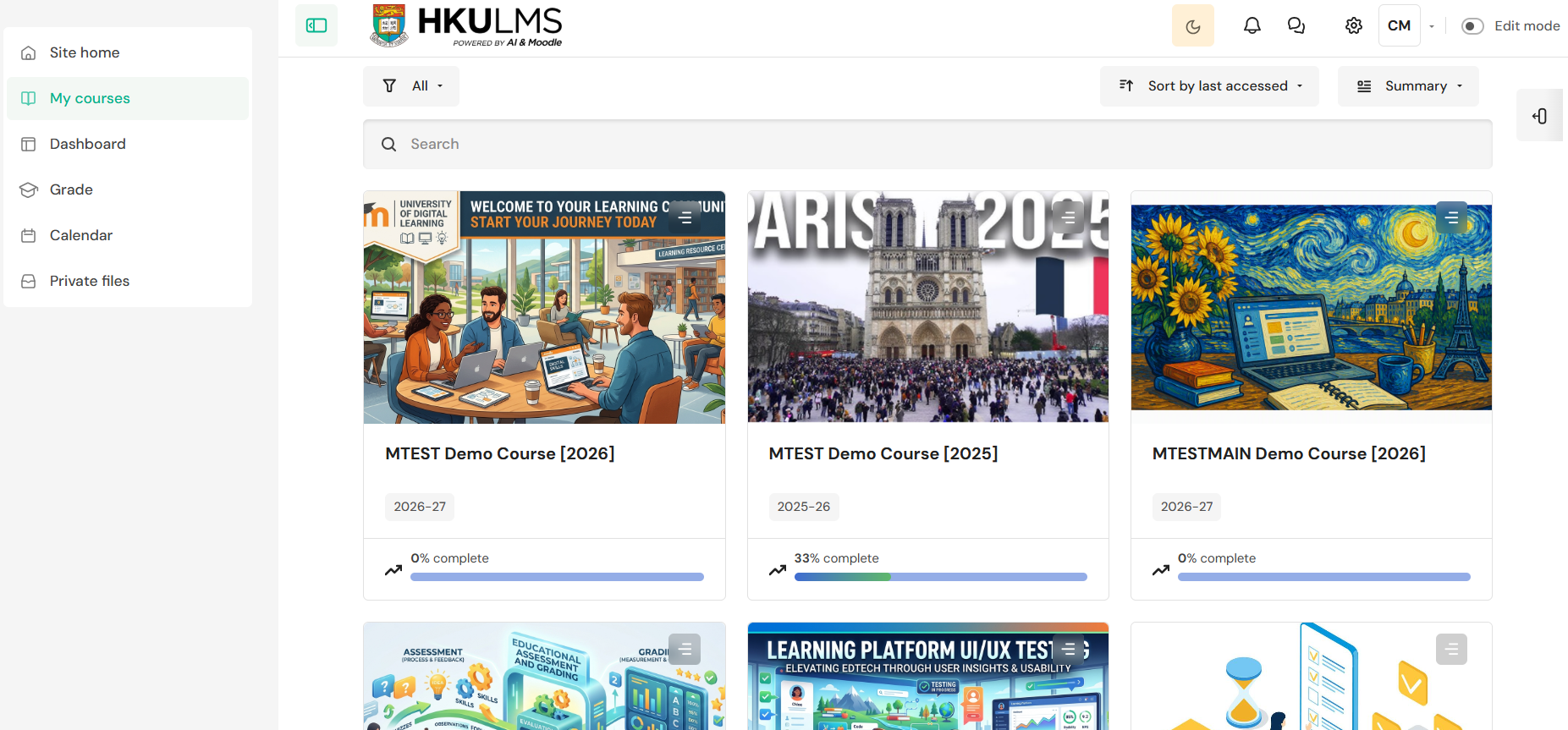
The sidebar contains two layers, one for the course and one for the platform. This is particularly useful when navigating within a course when we want to head back to other platform sections, e.g. Dashboard and My Courses.
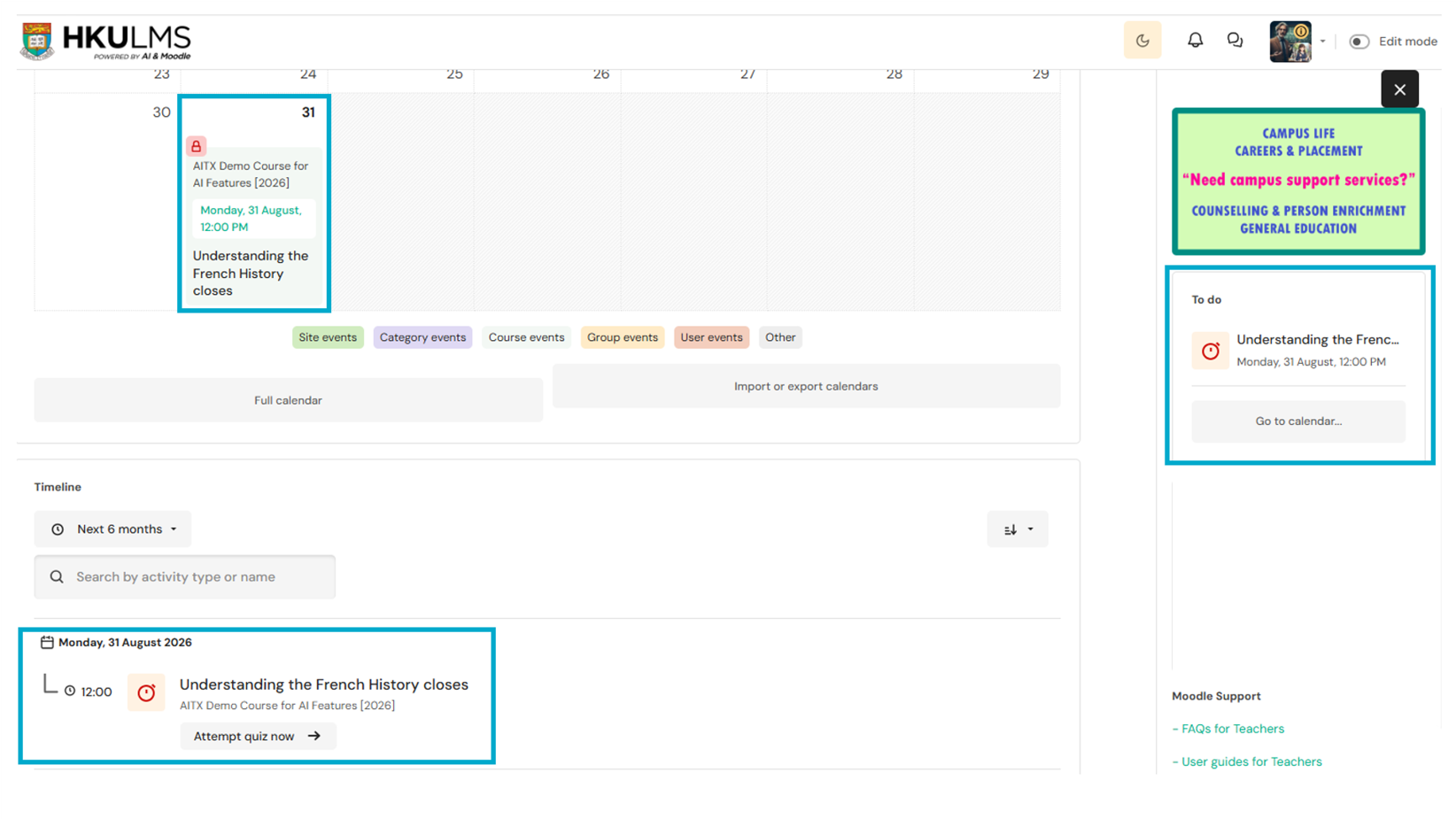
Dashboard for Effective Learning Management
The Dashboard now shows clearly the upcoming events such as tasks requiring attention or assignments to be due. A To-Do-List is also anchored on the right across courses for managing learning more effectively.
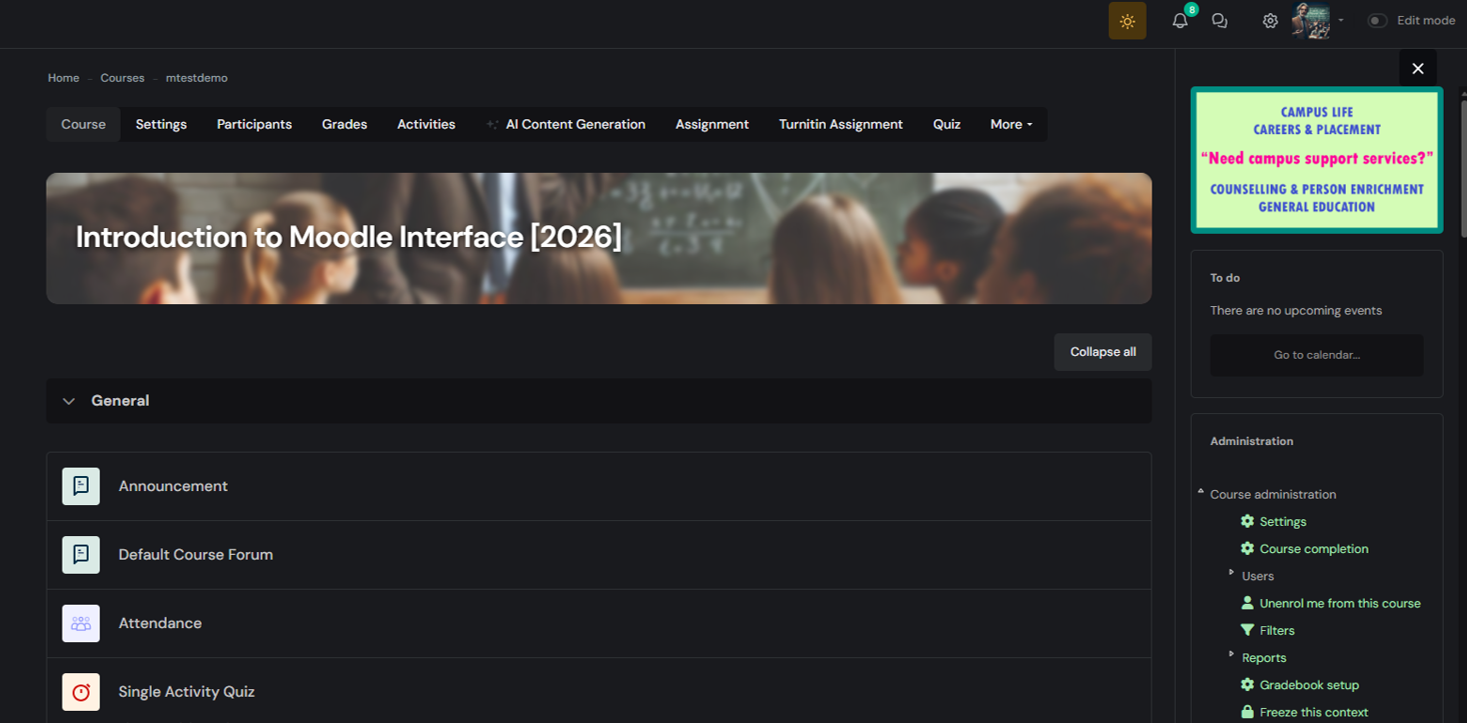
Sleek design with Dark Mode Capability
In addition to the simple and intuitive design of the page, this new theme introduces us to ‘Dark Mode’, which could reduce eye strain in low light, save battery life on OLED screens, and provide a sleek aesthetic preference.
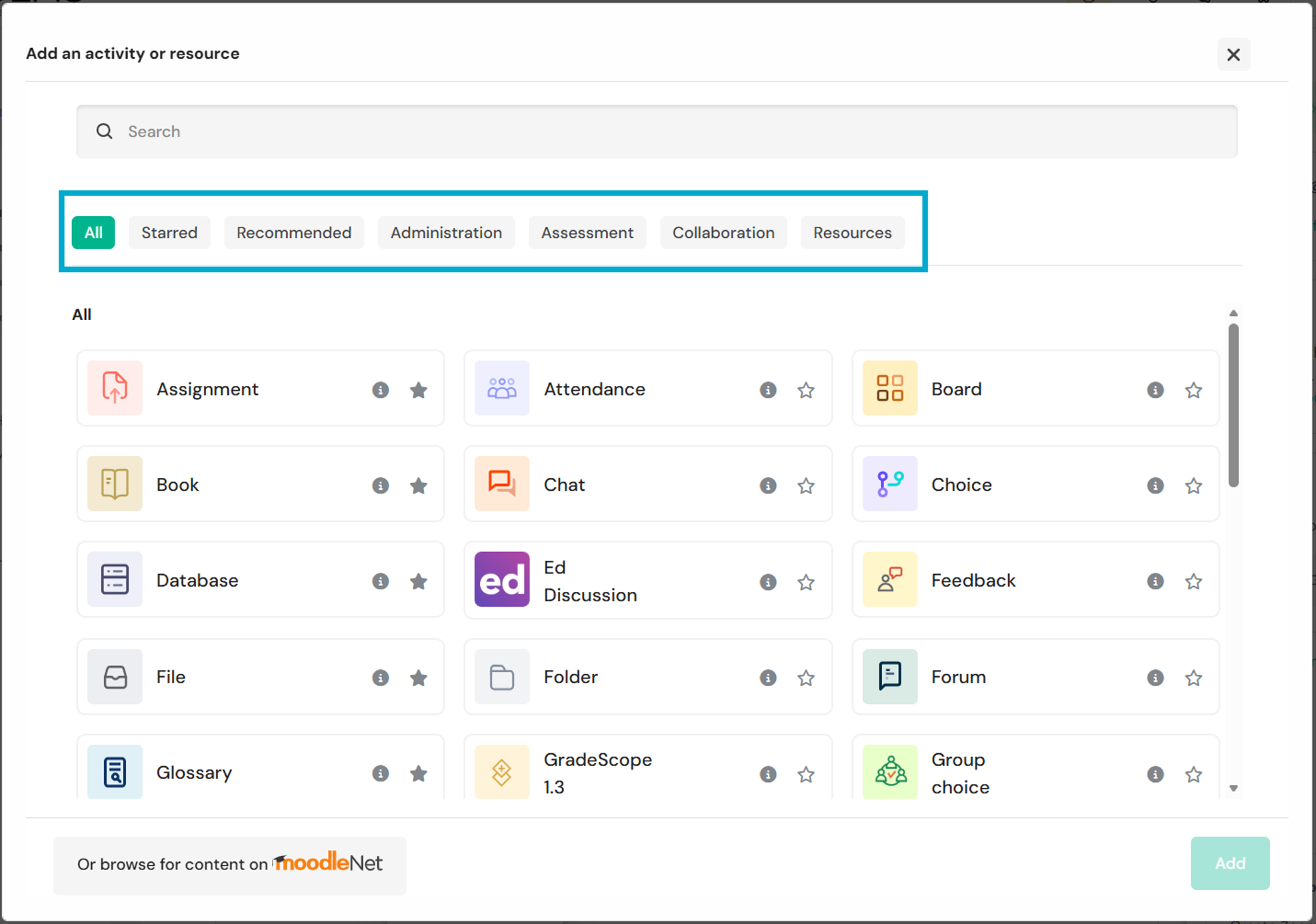
Redesigned Activity Chooser for Easier Content Creation
The redesigned Activity Chooser is more intuitive with categorisation navigation housed on the top. This can help teachers to add course content with more ease.
ho
2. Unlocking the Power of AI with Four Innovative Features
These innovative features have adopted AI technology and UIUX enhancements to help teachers to simplify course management, enrich student engagement, and elevate educational outcomes. From converting course materials into interactive quizzes to automatic course visuals, these tools are targeted at making teaching more efficient and students’ learning more effective. We stepped a little more to embrace the future of education and stay ahead to support educators and learners in our learning community.
1) Smart Generation for Quiz, Assignment and Course Description
Quiz Generator
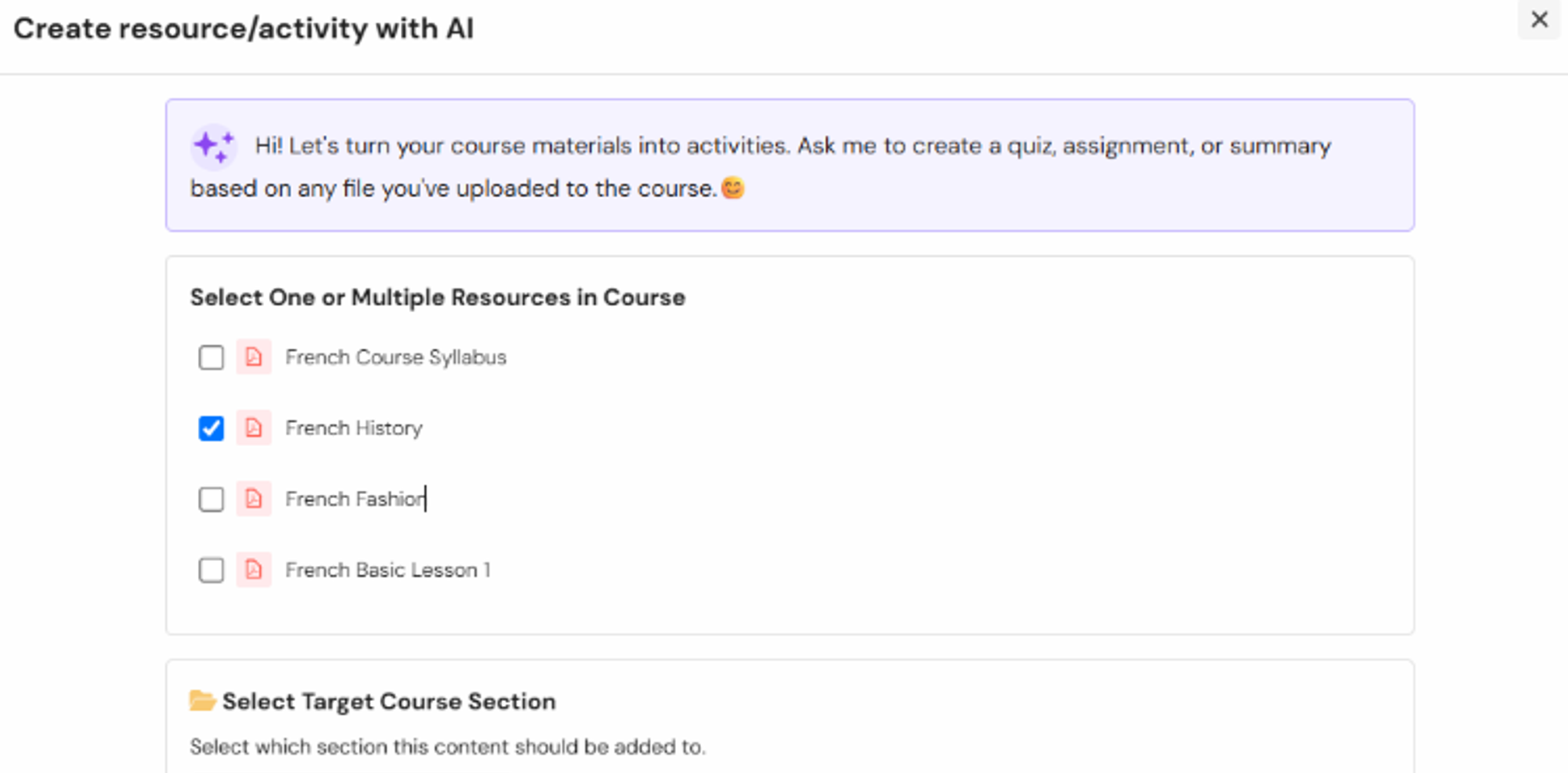
Transform your uploaded reference papers, lecture slides, and reading materials right inside your course into a quiz instantly. Simply select uploaded PDF documents, and our integrated AI will analyse the text to automatically construct highly tailored multiple-choice, True/False, and short-answer questions directly and build a Quiz for you.
Assignment Generator
Like quiz generation, the uploaded PDF documents within a course can be selected, and the texts will be analysed to automatically draft an outline for an assignment task.
Course Description Writer
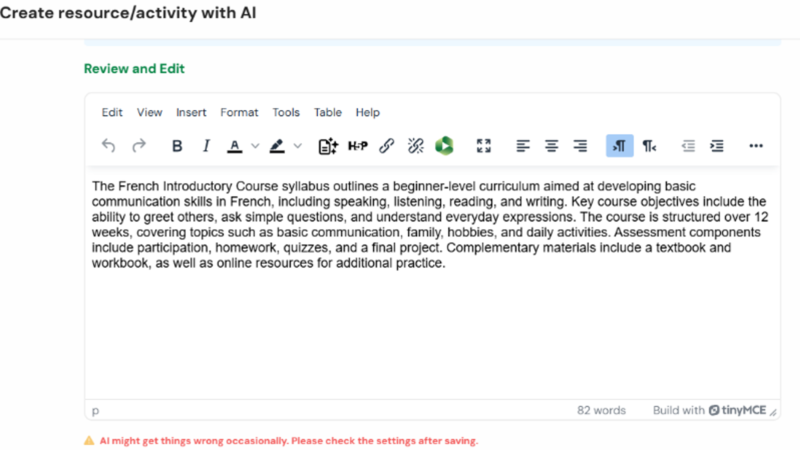
Course outline and description can now be made effortlessly. Similar to the above, the generation will take your selected PDF documents and summarise them into a standardised Course Description, which can be included in an appropriate section of your course for students to have a brief idea of what they will be learning.
A quick guide for Smart Generation can be found HERE.
2) AI Course Banner
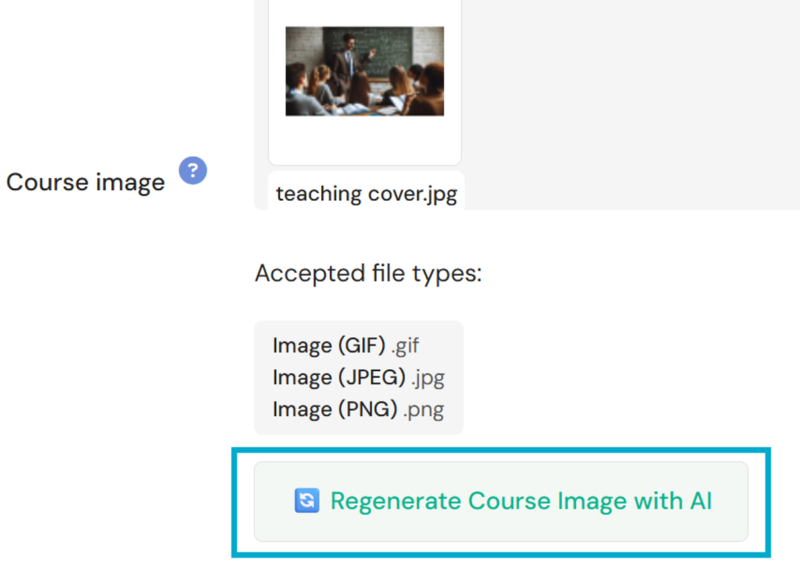
Enhance your course landing visibility and aesthetics on the Moodle Dashboard. Our LMS platform now uses advanced text-to-image models to read your Course Title and Description (if any) to give the course a professional and eye-catching thumbnail as a course cover banner that fits perfectly within the Moodle Dashboard grid layout.
3) Simplified Activity Setting
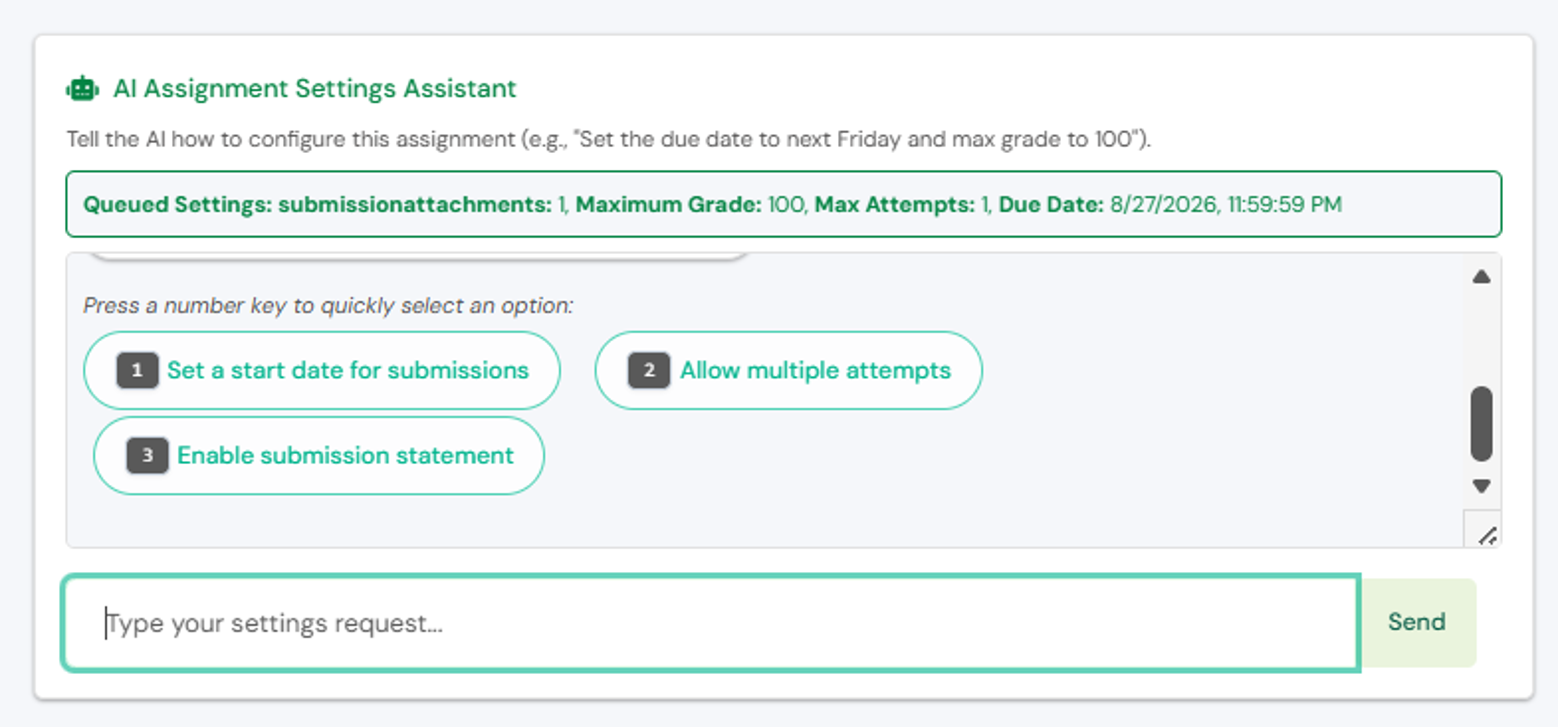
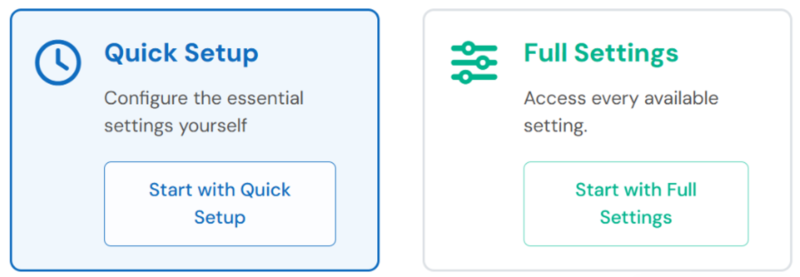
Setting up an assignment or quiz activity is now more intuitive with key and standard settings shown without stacking uncommon requirements. Of course, switching back to Complete Mode will allow these advanced settings to show up when needed
4) Express Builder for Common Activities
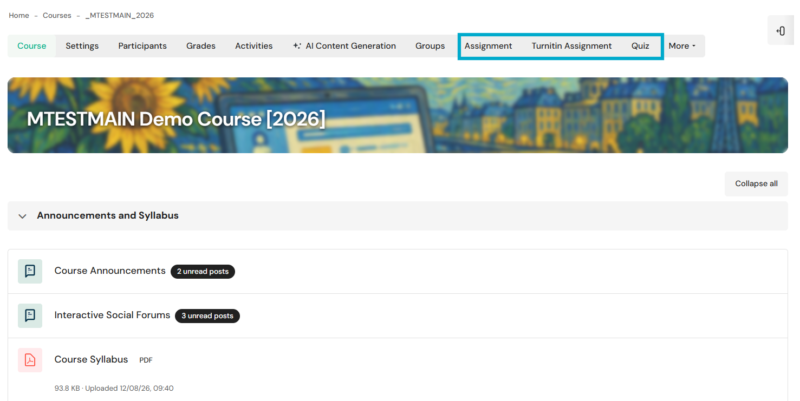
The most common activities used in Moodle are assignments, Turnitin assignments and quiz activities. Instead of having you to jump into turning on the edit mode for selecting them from seas of activities, we’ve put them over the top in the navigation bar. With just one click, you can start building these activities.
Note: The screen displays are for reference and illustration purposes only; the actual interface shall be based on the final production after implementation.
We hope the update can make our e-learning environment a facilitative one for our learners and teachers. If there are any enquiries, please feel free to contact us at ithelp@hku.hk or 3917-0123.
Information Technology Services | The University of Hong Kong