User Guide on ESign signNow
…Documents on Microsoft OneDrive for Business A default OneDrive is associated with each departmental account registered to use the signNow service. All the signed documents and document history will be…

…Documents on Microsoft OneDrive for Business A default OneDrive is associated with each departmental account registered to use the signNow service. All the signed documents and document history will be…

…& RPG Students)Communal VPCKeyboard & Mouse Yes Yes Disk storage 100GB personal drive on VPC per user 100GB OneDrive for Business on Microsoft O365 100GB OneDrive for Business on Microsoft…
…2 of this link): Update Wireless Software or Driver on Windows 11/10 – Driver Easy More effective method: How to Update Your Wireless (Wi-Fi) Driver – Connectify Hotspot Knowledge Base…
…Follow You Print Printer DriverDownload the uPrint Follow You Print Printer Driver here Unzip the file and double click “Setup.bat” If the following window pops up asking for approval for…
…Follow You Print Printer DriverDownload the uPrint Follow You Print Printer Driver hereUnzip the file and double click “public-uPrint.pkg” Go to System Perference > Privacy & Security to enable allowing…
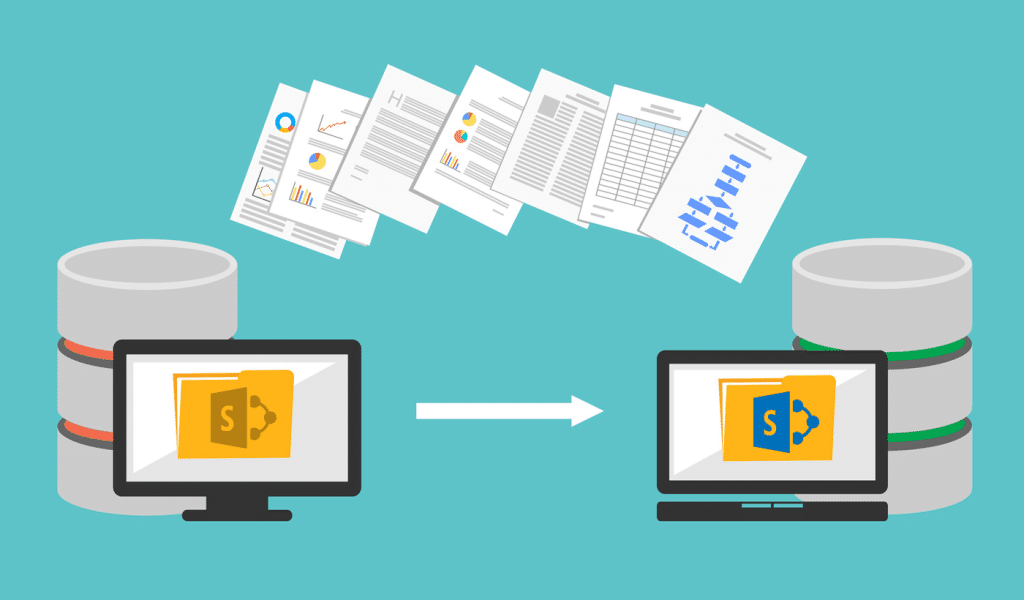
…the OneDrive client, please refer to Sync SharePoint and Teams files with your computer and the OneDrive app for different devices. For those departments who are using SharePoint 2016 workflows,…

…Students Exchange Online (mailbox) Quota OneDrive Quota Teams Site/ SharePoint Online Site Quota Max no. Of owning sites Student account or Teams site created before Aug 2025 15GB 100GB 100GB…
…or scheduled meetings created under Calendar) If a meeting is recorded, after it ends, the meeting recording will be saved and uploaded to the OneDrive account of the meeting organizer….
…VPC. This is the drive for storing your data files on the VPC and you can copy the data from your desktop PC to this drive. 2. Copy data from…
…keep important papers related to your computer. Proceed step-3 below if you found it. On a USB flash drive Plug the USB flash drive into your locked PC and follow…