
Change of Location in the Saving of Microsoft Teams Meeting Recordings
…If a meeting is recorded, after it ends, the meeting recording will be saved and uploaded to the OneDrive account of the meeting organizer. Navigation path: MS OneDrive > My…

…If a meeting is recorded, after it ends, the meeting recording will be saved and uploaded to the OneDrive account of the meeting organizer. Navigation path: MS OneDrive > My…
…access SharePoint files, lists, and sites directly from Teams, enhancing teamwork and productivity. Integration with Microsoft 365 (a) OneDrive Integration OneDrive Sync: Sync your SharePoint document libraries to your local…
…Documents on Microsoft OneDrive for Business A default OneDrive is associated with each departmental account registered to use the signNow service. All the signed documents and document history will be…
…Desktop-sharing session will be automatically saved to the local-drive of a student’s PC. The student then uploads it to his/her OneDrive or Google Drive. He/she shares the hyperlink of the…

…Students Exchange Online (mailbox) Quota OneDrive Quota Teams Site/ SharePoint Online Site Quota Max no. Of owning sites Student account or Teams site created before Aug 2025 15GB 100GB 100GB…
…the recording on their Google Drive or OneDrive and destroyed 60 calendar days after the announcement of final course results or when any relevant investigation is completed or any relevant…
…or scheduled meetings created under Calendar) If a meeting is recorded, after it ends, the meeting recording will be saved and uploaded to the OneDrive account of the meeting organizer….
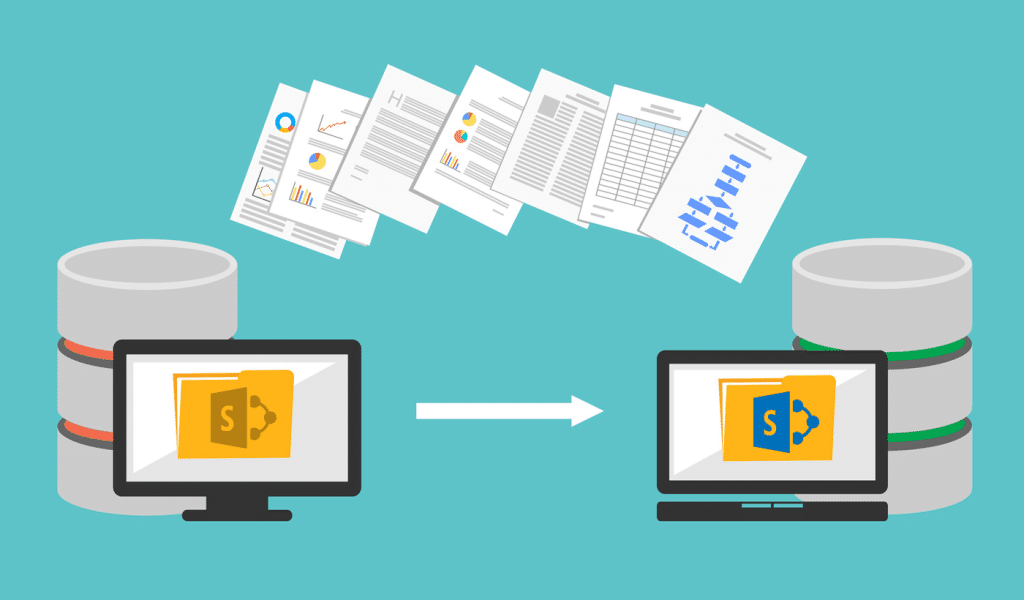
…the OneDrive client, please refer to Sync SharePoint and Teams files with your computer and the OneDrive app for different devices. For those departments who are using SharePoint 2016 workflows,…
…Microsoft 365 service using your HKU account (e.g., UID@hku.hk or UID@connect.hku.hk). Microsoft 365 services include Exchange Online, Teams, OneDrive, and SharePoint Online. You should then see the “Let’s create your…
…in the right upper corner “Go to OneDrive“) and open the Recordings folder. For Channel meetings: Open the file tab in the channel and open the Recordings folder. Then, click…