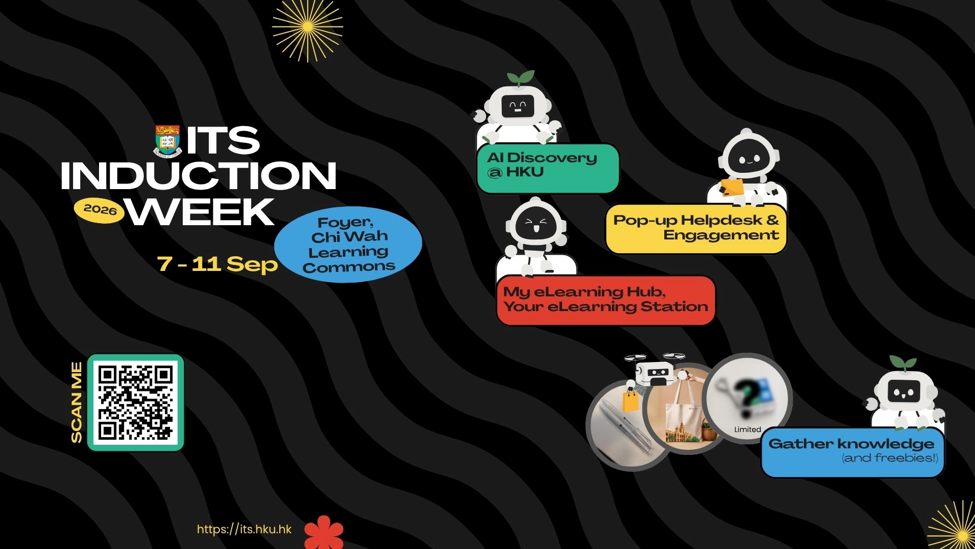
ITS Induction Week 2026
…online courses, materials, and useful links in one place. What’s new? Come and explore our latest features on Moodle and Panopto! 🎁 Gather Knowledge and Freebies! Take part in the…

…online courses, materials, and useful links in one place. What’s new? Come and explore our latest features on Moodle and Panopto! 🎁 Gather Knowledge and Freebies! Take part in the…

…Hub at https://elearning-resource.hku.hk/ ITS support on Moodle and Panopto at https://moodle-support.hku.hk/ HKU Online Resources for Teachers at https://tl.hku.hk/teachonline/online-resources-for-teachers/ HKU Online Resources for Students at https://tl.hku.hk/teachonline/online-resources-for-students/ ITS training videos at https://lecturecapture.hku.hk/Panopto/Pages/Sessions/List.aspx?folderID=34722cc7-7907-48e4-89bb-acc20072e3cc…

…Moodle – Wired network (e.g. office and PC laboratories) – HKU Portal 3rd Service Desk support 4th Centrally coordinated software (Zoom, MS Teams, Office 365, Qualtrics, Matlab, SPSS, Camtasia and…

…services. Four individual sessions will be arranged including: “Introduction to Information Technology Services (ITS)” – gives an introduction on the comprehensive central IT facilities and services offered by ITS. “Moodle…
Complete a Quiz Steps: Access the Moodle course that you want to complete a quiz. Click the quiz activity on the course page. In the quiz page, you can see…
Access your Moodle course page. Switch on the “Edit Mode” on the top right. Add an activity under a section of your choice. Select “Open Forum”. Fill out relevant details…
Switch ON Edit Mode. Go to “Add a block” on the right of your Moodle course, select “chatgpt.hku.hk”. “chatgpt.hku.hk” will be shown on your page. You may ask question in…
Access the Moodle course page. Click AI Questions and click “Story” under Administration tab on the left pane. Describe the questions you want in the “Story” box. Choose the number…
…a selection of choices provided by you. Assessment for learning, and quick polling are examples of using this activity type. Create a ‘choice’ activity in your Moodle course Go to…
Quickmail is a block that provides emailing capability within Moodle courses. It allows teachers to email students with the following functions: sending regular emails sending emails with attachments retaining email…