Web Printing User Guide
…printers (black and white printer for b/w print jobs and color printer for color print job) and you can see the uploaded print jobs. Select Print to print the job….

…printers (black and white printer for b/w print jobs and color printer for color print job) and you can see the uploaded print jobs. Select Print to print the job….
1. uPrint printers Tab your staff/student card at the uPrint printers. Tab the icon Quota. Your current balance of printing units will be shown. 2. uPrint enquiry system Go to…
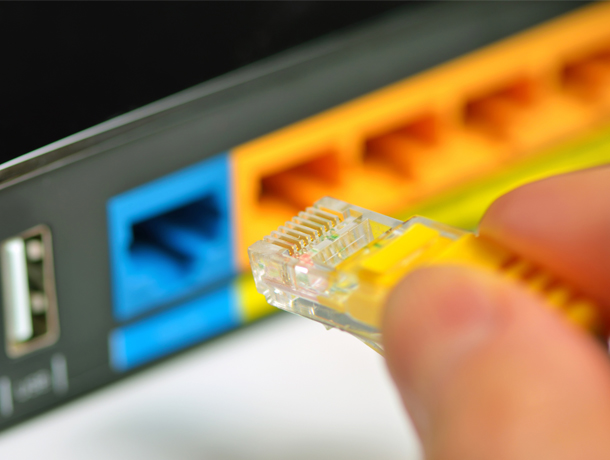
…connection if feasible Install sufficient LAN network points (For shared network printer, it is recommended using LAN connection) Requests for additional LAN network points and WiFi access points can be…
…ethernet networks, which are distributed across various departments. Peripheral devices such as printers, copiers, Smart TVs, door locks, or IoT gadgets fall outside the scope of the Policy unless they…
…note that the Policy applies exclusively to remote access services. Other devices—such as printers, copiers, Smart TVs, door locks, or IoT—will not be affected unless they are utilizing remote access…
…connectivity, audio-visual facilities in group study rooms (book Here), all-in-one desktop PCs dispersed across the area, as well as A4/A3 printers for color and black/white printing and copying (locations: Level…
…the print client at the top right. Choose “Follow You Print”. You can see the files that are ready to print. You can collect your printouts from any uPrint printers….
…Submit a Job to start the Web Print wizard. selecting a printer where your job will be printed. Select the number of copies to print. Selected a document and clicked…
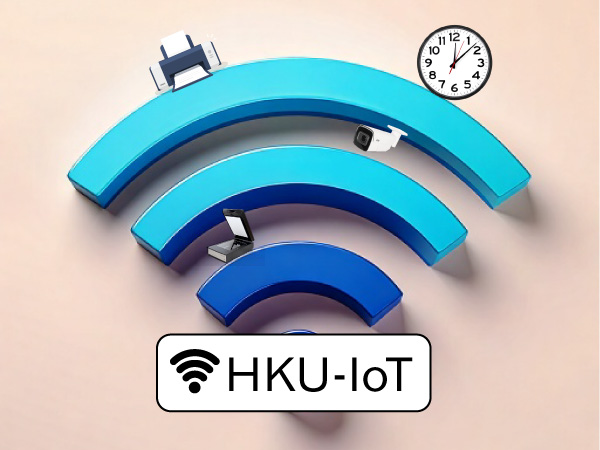
…the HKU-IoT network include: Smart Home Devices: smart TVs, smart speakers, smart doorbells, smart locks, etc. Certain printers and copiers IoT devices Please note devices connected to this SSID cannot…
…if you do not wish to install novaPDF (a PDF printer) bundled with SmartDraw and proceed to step 12. Click Yes to proceed. Click Finish to complete the installation. Launch…