Set Spam Filters in Your Email Account Primary tabs
Set Spam Filters in Your Email Account For Staff, Student and Retiree Email Account: View spam quarantine list and update email blacklist and whitelist For Graduate Email Account: View spam…

Set Spam Filters in Your Email Account For Staff, Student and Retiree Email Account: View spam quarantine list and update email blacklist and whitelist For Graduate Email Account: View spam…

To enhance the reliability and functionality of Central Email service, ITS is going to migrate all HKU staff’s email accounts to Microsoft Exchange Online. In October 2022, the email accounts…
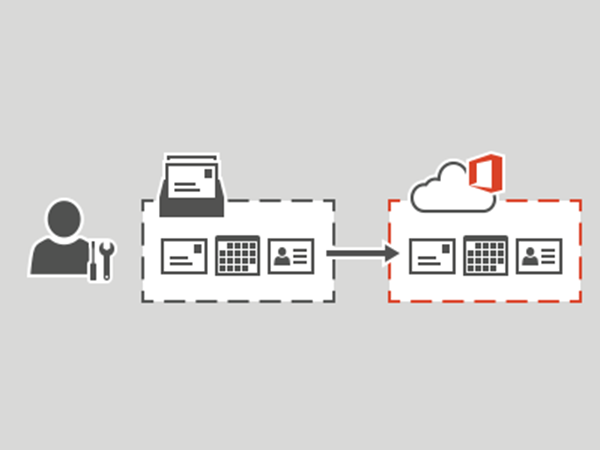
The central email and calendar system supporting staff (HKUCC1) has been based on Microsoft Exchange 2019. We are now arranging to migrate all HKU staff email accounts to Microsoft Exchange…
…(GAL) and email archiving are also supported for use by staff members. Each account is provided with 15GB disk quota. Staff can access their emails via HKU Portal (under “MyEmail”…
…Clients? Staff can access their emails via HKU Portal -> MyEmail tab or email clients such as Microsoft Outlook. For the setup procedures of email clients, please refer to FAQ…
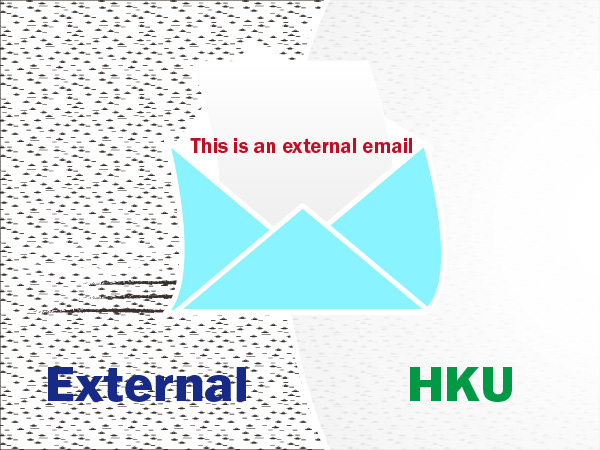
…detecting potential phishing messages: A line “This is an external email.” is prepended to message reaching our Internet facing email gateway (excluding email from @hku.hk) Starting on 30 May 2024,…
The email service for staff is supported by a number of in-house systems running Microsoft Exchange (HKUCC1 or HKUCC-COM, @hku.hk). Other than the basic email functions, additional enterprise messaging features…

…is an external email” is prepended to message reaching our Internet facing email gateway; and The display name will be stripped from the email address field to reveal the true…
…using their email address HKUPortal@connect.hku.hk. The email address @connect.hku.hk and its PIN will remain unchanged. All emails, contacts and data stored under the HKU Connect email account will be retained….
…to provide information to user with disabilities, please input the desciption for your images. 2. Why don’t email programs show images properly in bulk email? For security reason, some email…