Setup Procedure for Microsoft 365 Outlook

Pre-requisite: The following procedure is applicable to those using Microsoft Outlook desktop version which is included in Microsoft 365 (M365). Staff and students can install a copy of M365 via the procedure below:

For Staff: https://its.hku.hk/kb/user-guide-on-office-365-proplus-for-staff/
For Student: https://its.hku.hk/kb/user-guide-for-office-365-proplus/

Graduates can purchase a copy of M365 for using Microsoft Outlook desktop version.

  1. Click “Microsoft Outlook” icon

    Click “Microsoft Outlook” icon

  2. It will show loading profile of Microsoft 365 Outlook
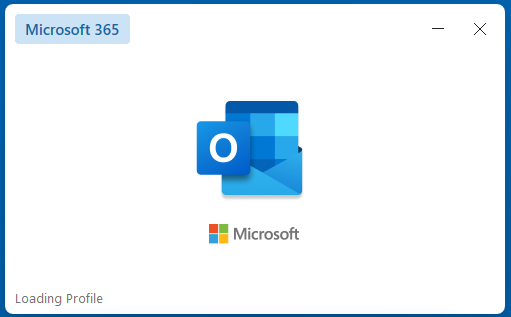
    It will show loading profile of Microsoft 365 Outlook

  3. Input Profile Name to create new profile and click “OK” button
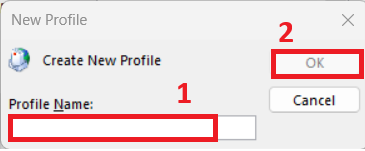
    Input Profile Name to create new profile and click “OK” button

  4. Click “Advanced options” when Outlook is loading
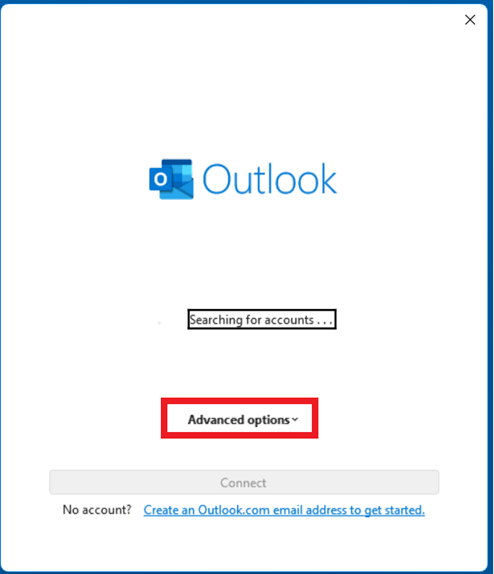
    Click “Advanced options” when Outlook is loading

  5. Tick” the box of Let me set up my account manually. Then enter your UID@HKU.HK in Email address field and then click “Connect” button
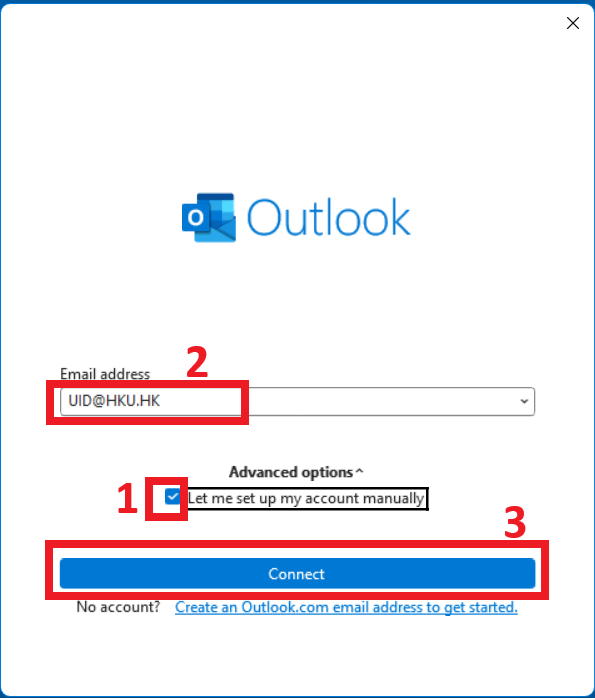
    “Tick” the box of Let me set up my account manually. Then enter your UID@HKU.HK in Email address field and then click “Connect” button

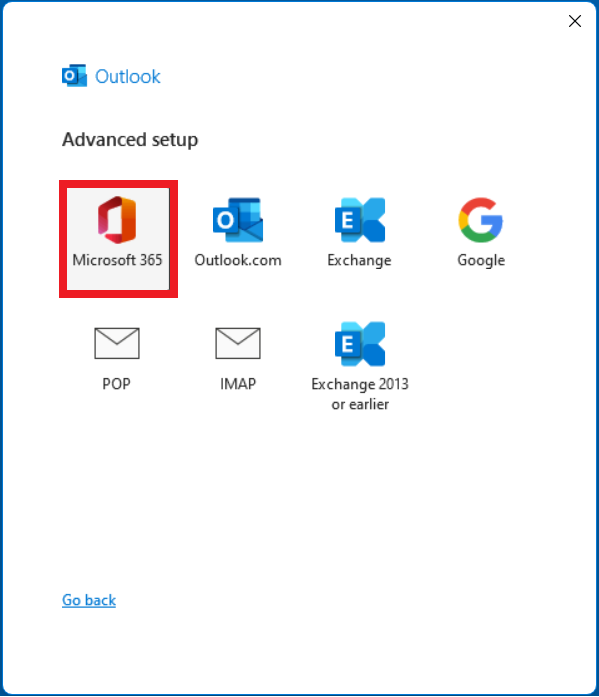
  6. Select and click “Microsoft 365” icon

    Select and click “Microsoft 365” icon

  7. Outlook account configuration in process
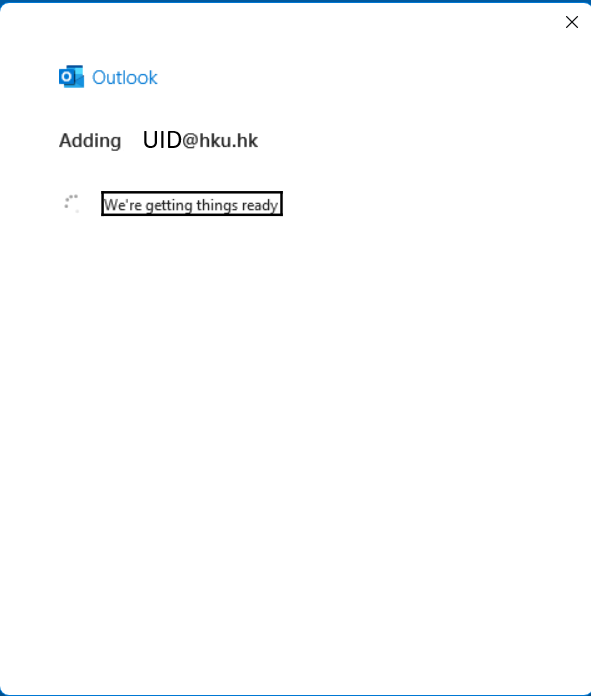
    Outlook account configuration in process

  8. Choose the period to Download email for the past for Outlook offline settings. Click “Next” button
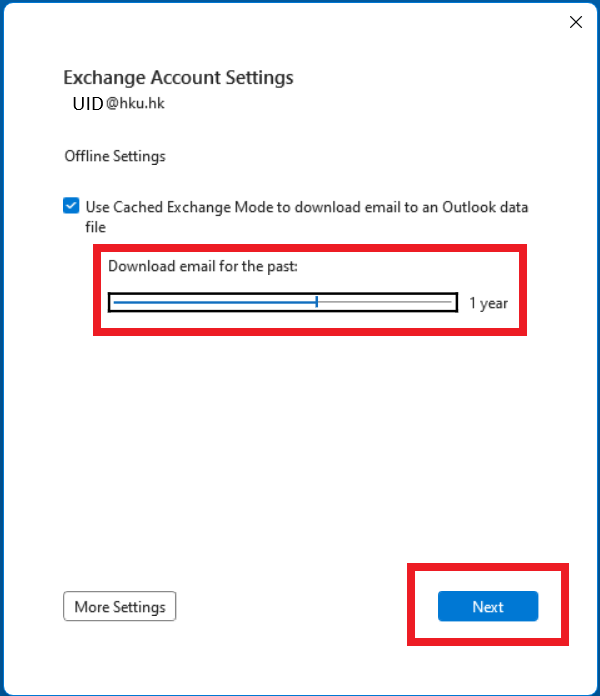
    Choose the period to Download email for the past for Outlook offline settings. Click “Next” button

  9. Outlook shows Account successfully added. Then click “done” button
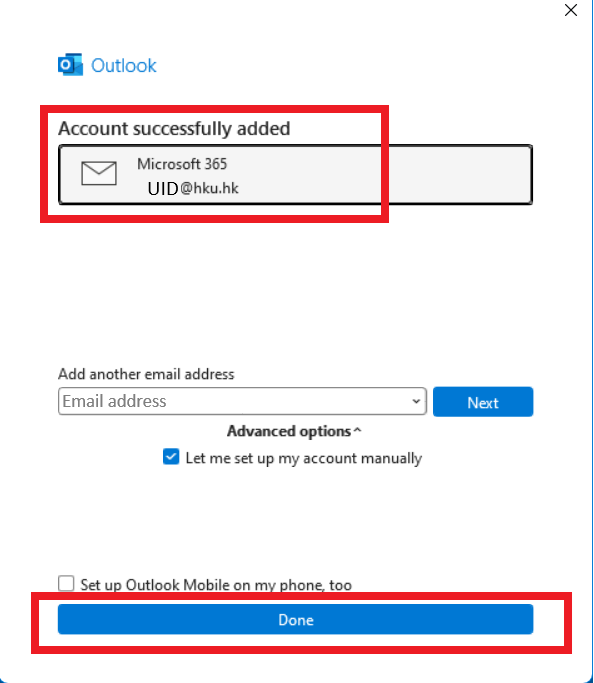
    Outlook shows Account successfully added. Then click “done” button

  10. It will start loading “Microsoft 365 Outlook”
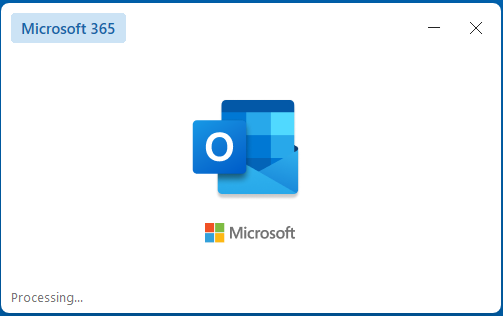
    It will start loading “Microsoft 365 Outlook”

  11. Microsoft 365 Outlook is ready to use. It will connect to Microsoft Exchange Online to synchronize emails
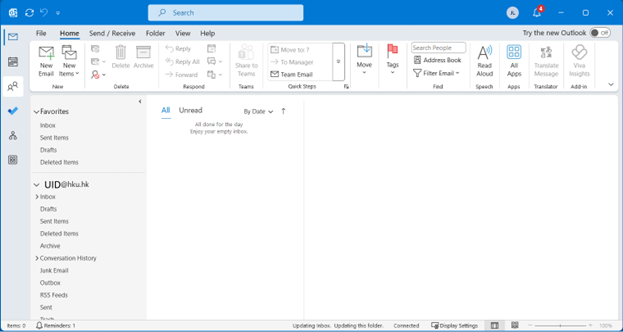

    Microsoft 365 Outlook is ready to use. It will connect to Microsoft Exchange Online to synchronize emails
8
33