HKU e-Portfolio User Guide (web)
Access HKU e-Portfolio Go to HKU e-Portfolio login page at https://eportfolio.hku.hk/ Login HKU e-Portfolio system by using your own UID and PIN. Toolbar icons: access different functions. Post content area:…

Access HKU e-Portfolio Go to HKU e-Portfolio login page at https://eportfolio.hku.hk/ Login HKU e-Portfolio system by using your own UID and PIN. Toolbar icons: access different functions. Post content area:…
…Site button. In the Site Name field, type web.hku.hk. Type web.hku.hk in the Host/IP/URL field. Type in your account name (HKU Portal UID) in the Username field (you must have…

ITS will be organizing online training sessions exclusively for administrative users of the Attendance@HKU system on 25 June 2025. Attendance@HKU is used at HKU to record attendance at classes and…
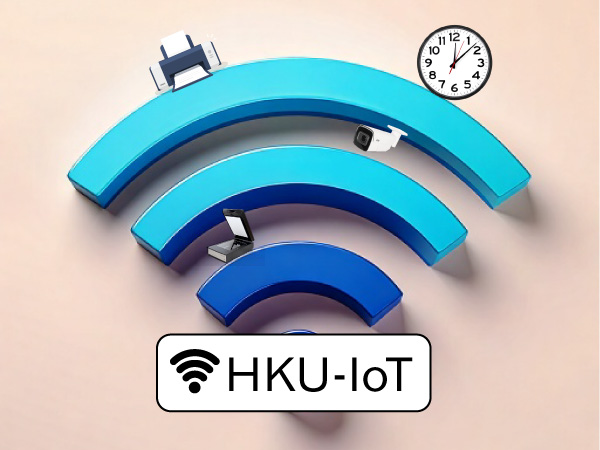
…currently available to staff and departments. Benefits of HKU-IoT: Provides WiFi connectivity for devices that do not support 802.1x authentication. Enables WiFi devices to connect to the HKU campus network,…

…easy access to bulk actions in the grading screen. We hope HKU Moodle 4.5 will facilitate learning and teaching experience for everyone in the HKU community with AI integration and…
…disable the pop-up block. 1. Chrome At the end of the address bar, click the pop-up blocker icon . Click https://hkucc1.hku.hk/owa/auth.owa to access to HKUCC1 webmail interface. To allow pop-ups…

…detecting potential phishing messages: A line “This is an external email.” is prepended to message reaching our Internet facing email gateway (excluding email from @hku.hk) Starting on 30 May 2024,…
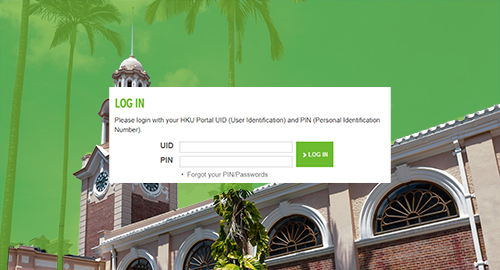
…Staff and students will be provided with an HKU Portal account (HKU Portal UID (User Identification) and an associated PIN (Personal Identification Number) for accessing HKU Portal. Application Leaving Arrangement…
The WiFi service “HKU” is for use by University staff and students. Staff and students can use the HKU WiFi service with their HKU Portal accounts. No registration is required…

We are excited to introduce the “MTR Queuing Condition” feature on the HKU App, which delivers real-time queuing status between the University Street and MTR HKU Station Exit A2. This…