Procedure for Android Device to Access “HKU” WiFi
…set Online certificate status to: Don’t validate and set Domain to: hku.hk.) Set Identity to your HKU Portal UID. Set Wireless password to your HKU Portal PIN. Click Save. Android…

…set Online certificate status to: Don’t validate and set Domain to: hku.hk.) Set Identity to your HKU Portal UID. Set Wireless password to your HKU Portal PIN. Click Save. Android…
…students can download HKU app at Google play/App store by searching “HKU app”. Open HKU app and click “HKU Moodle” icon. Enter your HKU Portal UID and PIN to login…
…blank identity is not functioning, input your HKU email address in the format UID@hku.hk C. Security Note For better security protection, you are advised to change your HKU Portal PIN…
The email service for staff is supported by a number of in-house systems running Microsoft Exchange (HKUCC1 or HKUCC-COM, @hku.hk). Other than the basic email functions, additional enterprise messaging features…
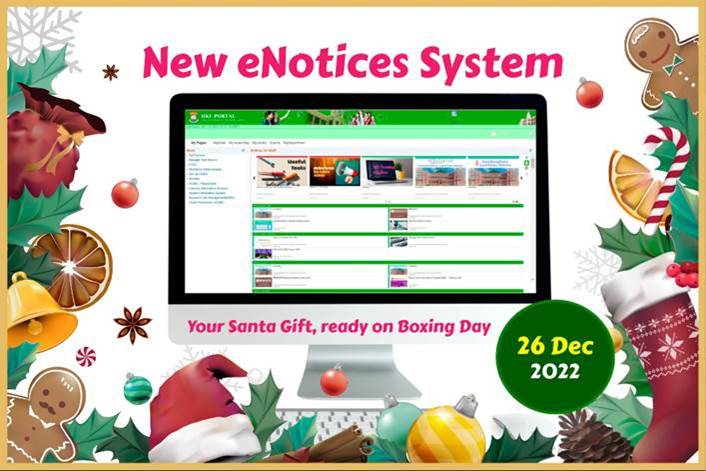
…with the HKU community. On the other hand, eNotices readers can enjoy checking the eNotices with an attractive user interface. For any enquiries, please contact us at 3917-0123 or ithelp@hku.hk….

…the Libraries. Events Daily events organized by departments and student societies through the HKU Event Management System (HKUEMS) will be displayed under the “Events” tab. The HKU Portal being used…

The HKU Authentication Service is to support Single Sign On (SSO) authentication of departmental web-based applications and mobile applications using HKU Portal UID/PIN. It supports three authentication protocols, namely the…

…MFA, log in with your credentials using either UID@hku.hk or UID@connect.hku.hk, followed by your password and a one-time passcode generated by the Microsoft Authenticator App. Existing Two-Factor Authentication (2FA): While…

…2026. When accessing HKU applications from outside the campus network, you will be required to verify your login using HKU MFA. If you have already completed MFA when logging in…
Staff and students can enjoy free WiFi service on HKU campus using “HKU” WiFi. For setup procedures, refer to Accessing “HKU” WiFi. For free WiFi outside HKU campus, refer to…