- Click “Microsoft Outlook” icon
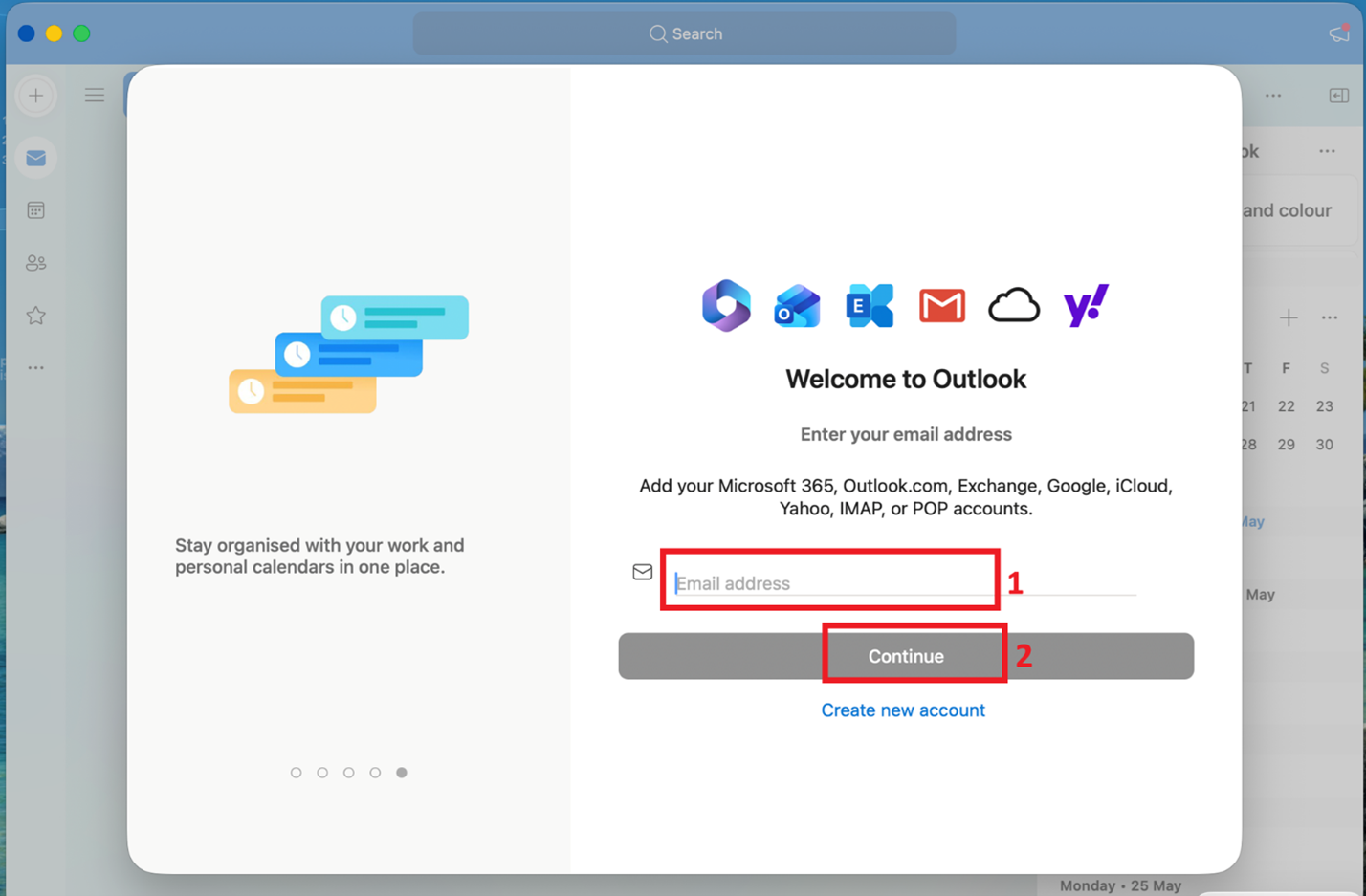
- In Welcome to Outlook setup page, enter your UID@HKU.HK in Email address field and then click “Continue” button
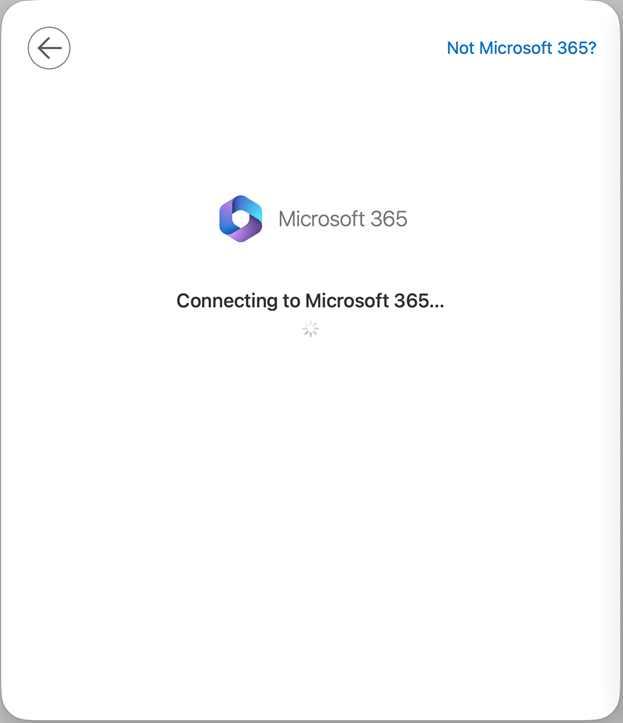
- Outlook is connecting to Microsoft 365
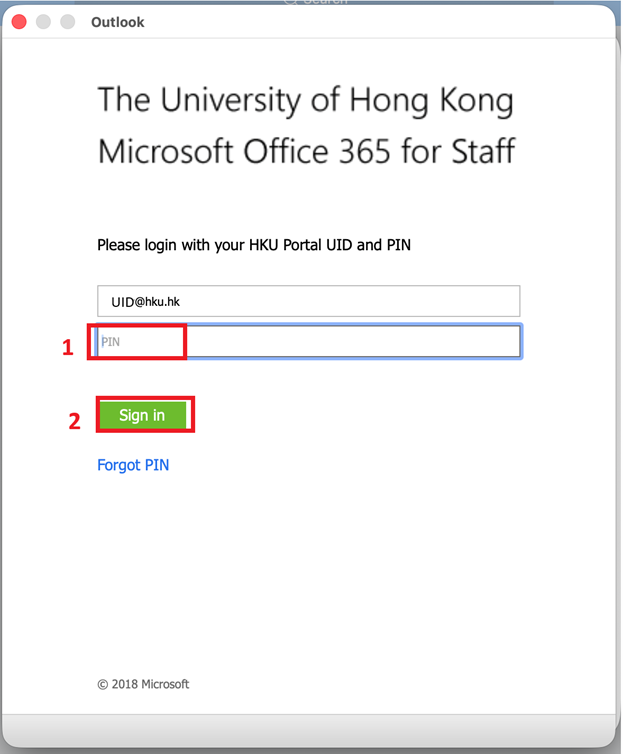
- Enter the PIN of your UID. Click “Sign in” button
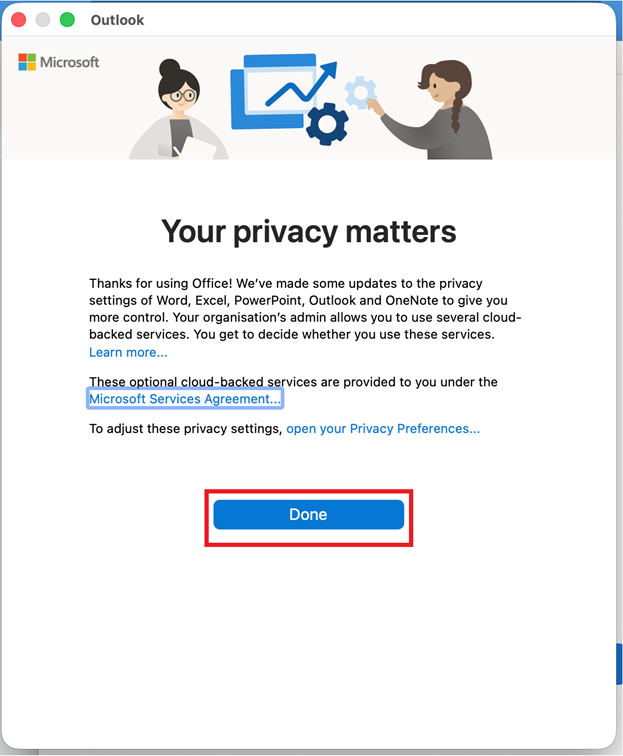
- Click “Done” in your privacy matters
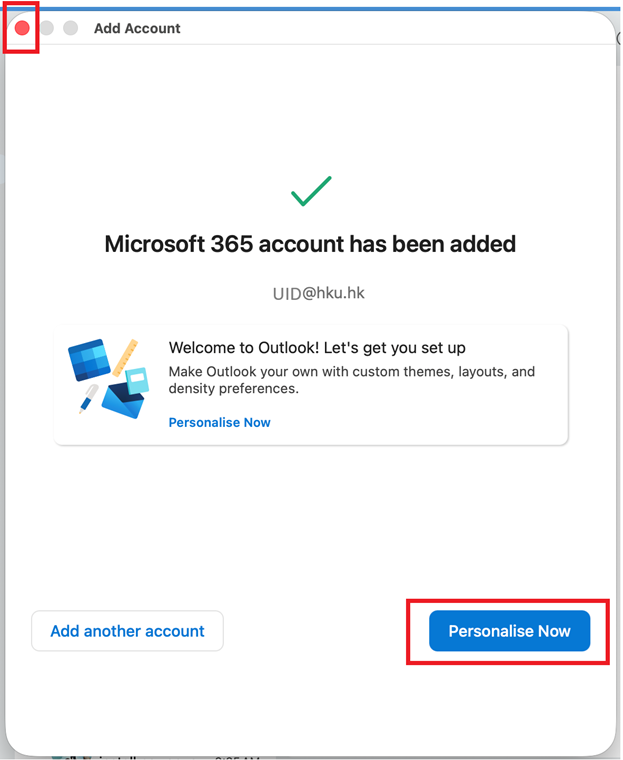
- Outlook setup is completed. You can either click close (red) button on top left corner to close this page or Personalise Now button for your Outlook
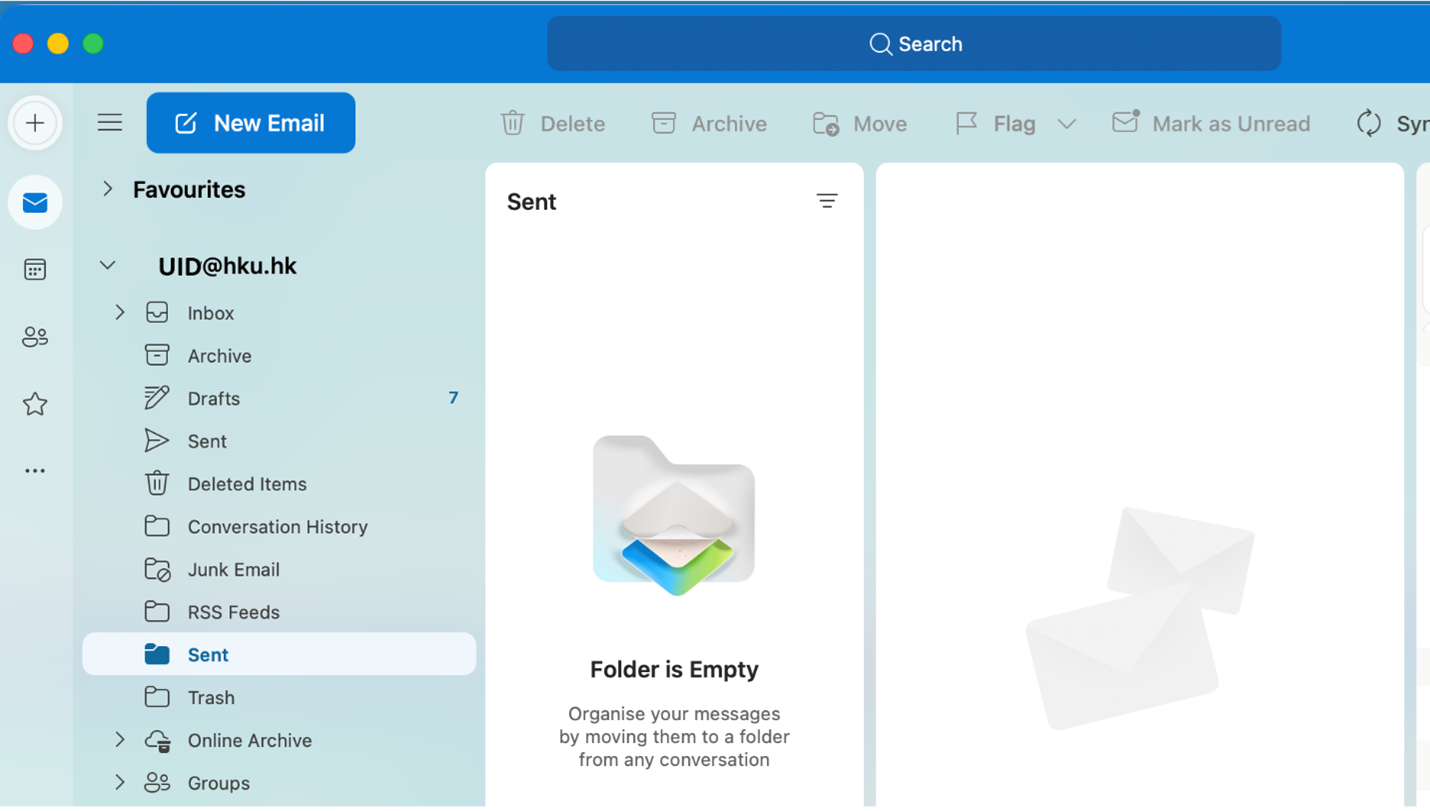
- Microsoft Outlook for macOS is ready to use. It will connect to Microsoft Exchange Online to synchronize emails